OpenClaw concurrent sessions: run tasks in parallel
One of the most annoying parts of using an AI agent is context waiting: you start one deep task, then either wait for it to finish or risk mixing a second task into the same thread. This OpenClaw concurrent sessions pattern fixes that. Create separate chat lanes as dedicated workstreams (Telegram groups are a great example), add your OpenClaw agent, and each lane becomes its own isolated session.
Use one agent + multiple dedicated chat lanes to run concurrent tasks without context collisions. You keep the same agent identity, skills, and memory system, while each lane stays focused on one job. Telegram groups are one simple, practical implementation.
The problem: task switching kills flow
If your assistant is in one busy chat, every new prompt shares the same conversational surface. That creates three practical problems:
- Queueing friction: you hesitate to start a second task while the first one is still running.
- Context contamination: unrelated prompts can pollute each other and reduce answer quality.
- Mental overhead: you spend energy managing thread hygiene instead of shipping work.
If you are still configuring your runtime, start with the OpenClaw setup guide, then follow the Telegram tutorial (or Slack tutorial) before applying this concurrency workflow.
The life hack: create isolated session lanes
The principle is channel-agnostic: create 2–5 dedicated chat lanes, each for one workstream (for example: "SEO tasks", "infra debugging", "content drafting"). Route one objective per lane, and you can run tasks in parallel without blending contexts.
Example implementation in OpenClaw Setup (Telegram groups)
In our product this is intentionally simple:
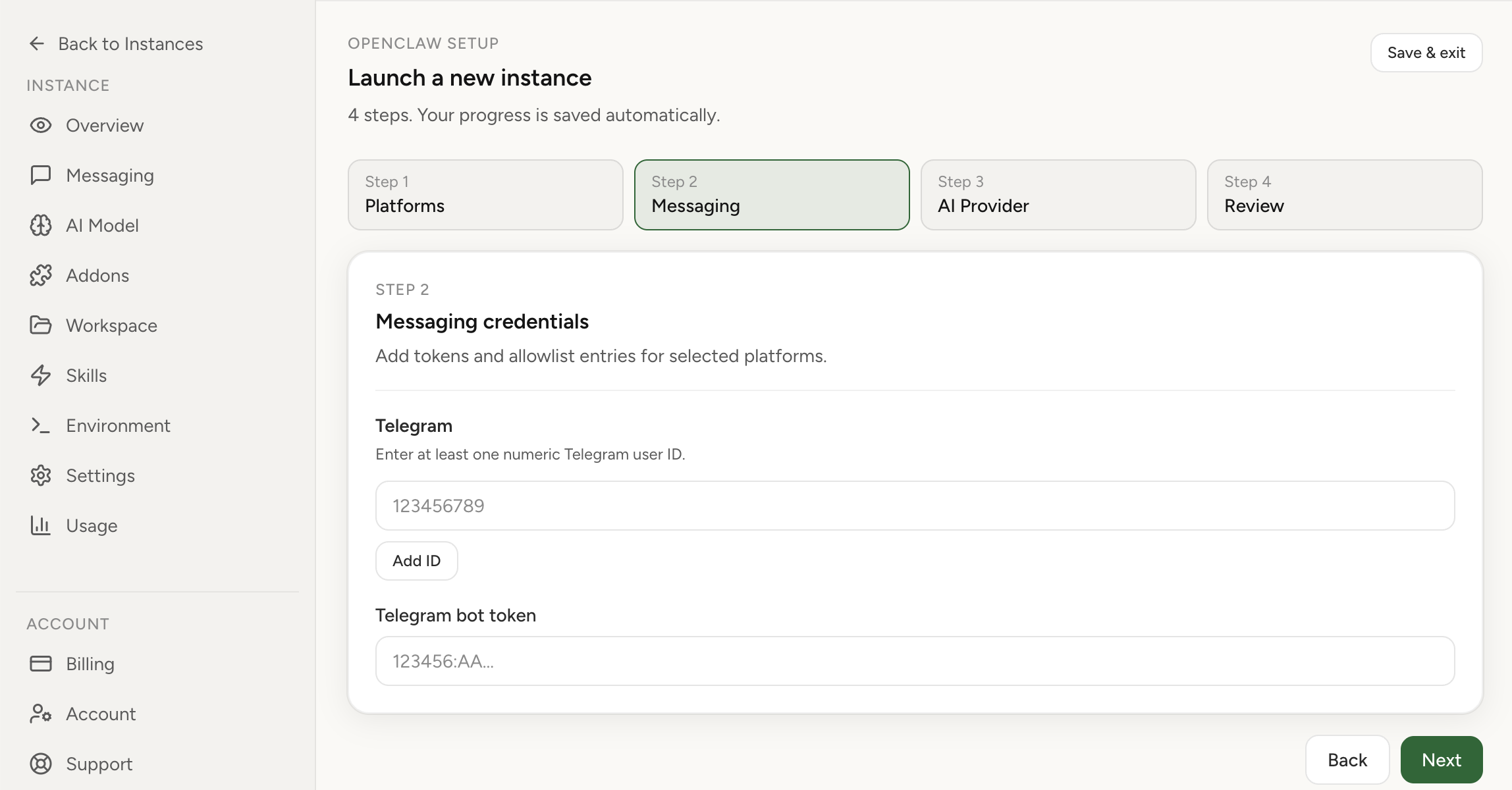
- Open the Messaging tab in your instance dashboard.
- Add group IDs for each Telegram group you want as a separate work lane.
- If you do not know a group ID yet, get it with our helper bot: add the helper bot to the group, copy the reported group chat ID, then paste it into Messaging settings.
- Done. You can now message your agent in different groups and run multiple tasks in parallel.
Practical rule: one group = one objective. For example, keep SEO in one group, engineering in another, and content in a third.
How group permissions work (from OpenClaw docs)
OpenClaw separates direct-message access from group access. For Telegram groups, docs describe two key controls:
channels.telegram.groupsdefines which groups are allowed (specific IDs or wildcard"*").channels.telegram.groupPolicycontrols sender behavior in groups (open,allowlist,disabled).groupAllowFromcan restrict who may trigger the bot inside groups.requireMentioncan require @mentions before the bot replies in group chats.
Telegram-side note: if the bot must see all group messages, docs recommend either disabling privacy mode in BotFather (/setprivacy)
or making the bot a group admin.
Why this pattern works so well
- Concurrency: run several long tasks at the same time.
- Clean context boundaries: one group = one objective.
- Operational simplicity: still one agent, one setup, one place to manage tools and memory.
- Safer collaboration: group-level permission controls keep access explicit.
Recommended lane setup
- Group 1: Deep coding / implementation tasks.
- Group 2: Research and competitor analysis.
- Group 3: Marketing copy and content production.
- Group 4: Ops / debugging / alerts triage.
You can keep your personal DM as the "control room" and use groups as focused execution lanes.
FAQ
Can OpenClaw run multiple sessions concurrently?
Yes. Run each objective in a separate chat lane and OpenClaw will process them in parallel without forcing everything into one thread.
Will session context mix across tasks?
Keep one objective per lane and context stays clean. The anti-pattern is stacking unrelated prompts in one conversation.
Do I have to use Telegram groups?
No. Telegram groups are simply a practical example. The real strategy is lane-based session isolation on your preferred channel setup.