What is the main benefit of a business account?
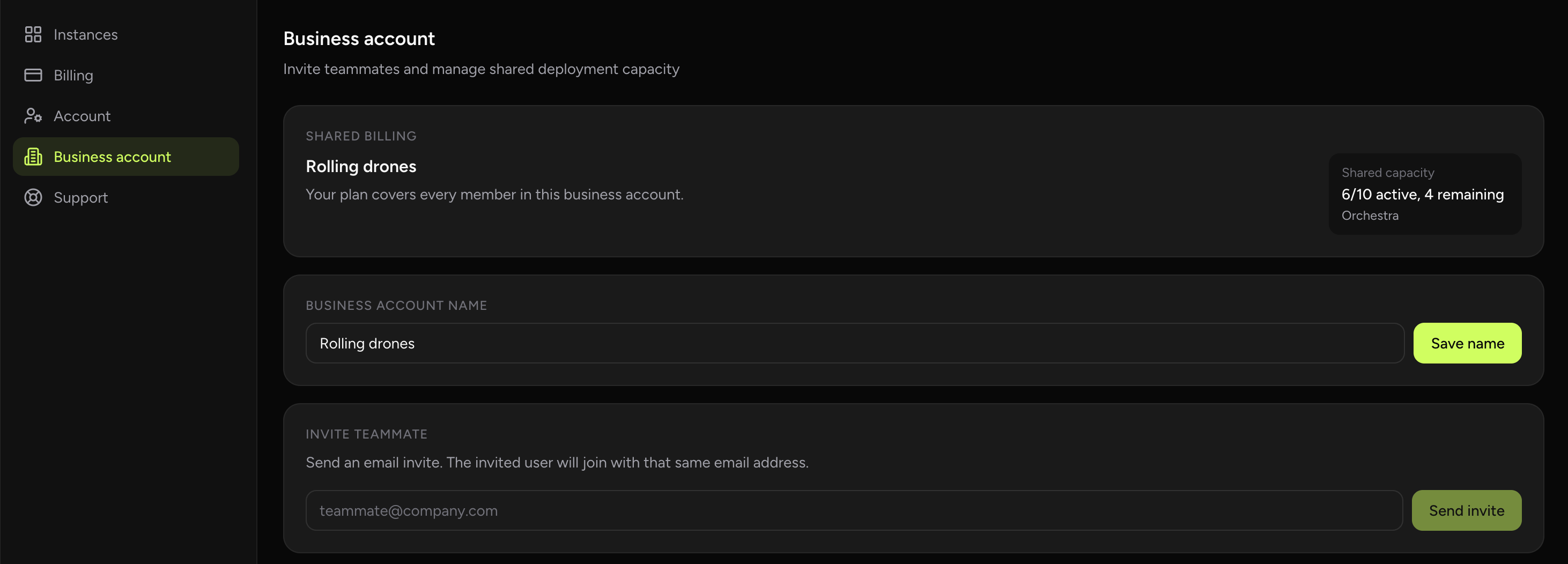
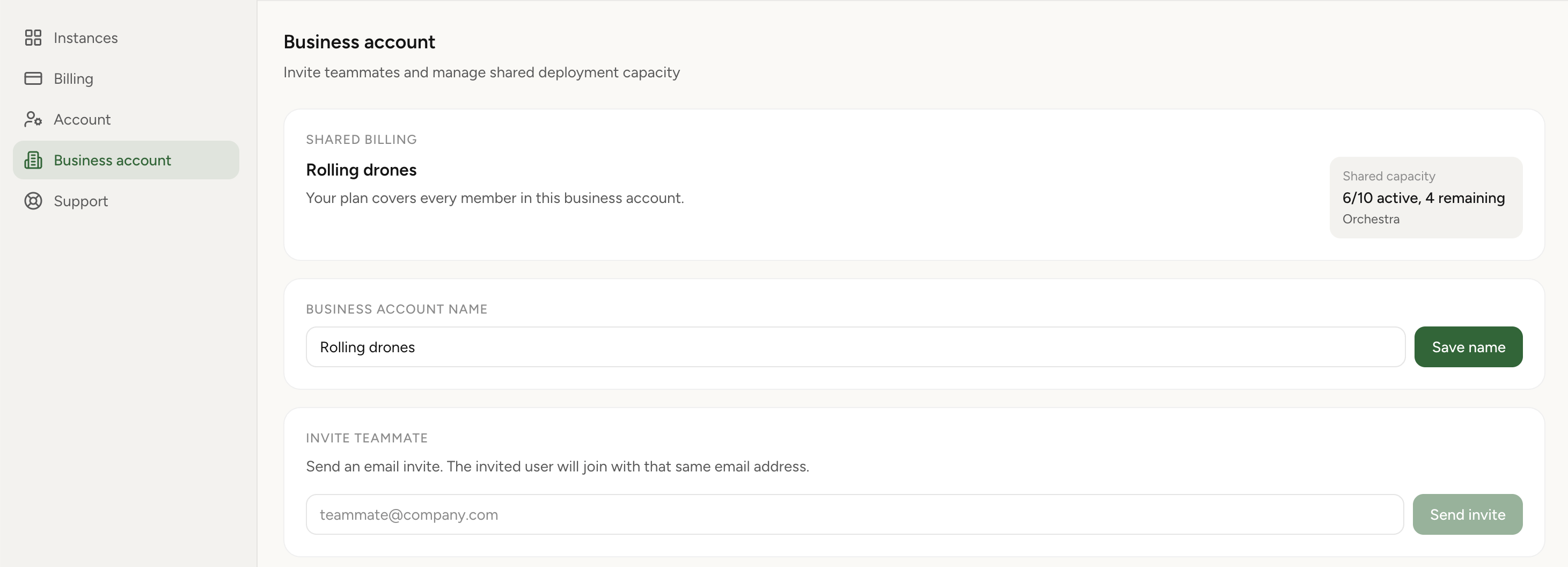
It lets one owner manage billing and invitations while multiple people deploy against the same shared instance capacity from their own accounts.
Invite teammates by email, keep billing under one owner, and let members deploy from their own accounts against shared plan capacity.
Business accounts turn a personal plan into a shared team billing scope. One owner manages the plan and invitations, members join from their own Google accounts, and active-instance capacity is counted across the whole business account instead of staying siloed per person.
Real product screenshot
Business accounts are built for teams that want one person to own billing while others still operate from their own accounts. The owner enables the business account, invites members by email, and keeps plan management centralized.
After a member accepts the invitation, both the owner and the member consume the same active-instance allowance. That makes the plan act like a shared capacity pool instead of separate personal quotas.
Team members do not see one another's instances. Each person manages the instances they created, but those instances count against the same business-account plan.
It lets one owner manage billing and invitations while multiple people deploy against the same shared instance capacity from their own accounts.
No. Members join through an invitation link and use their own accounts, while billing stays tied to the owner.
No. Instance visibility stays creator-based even though billing and plan capacity are shared.