Can I use both API keys and OAuth-style auth here?
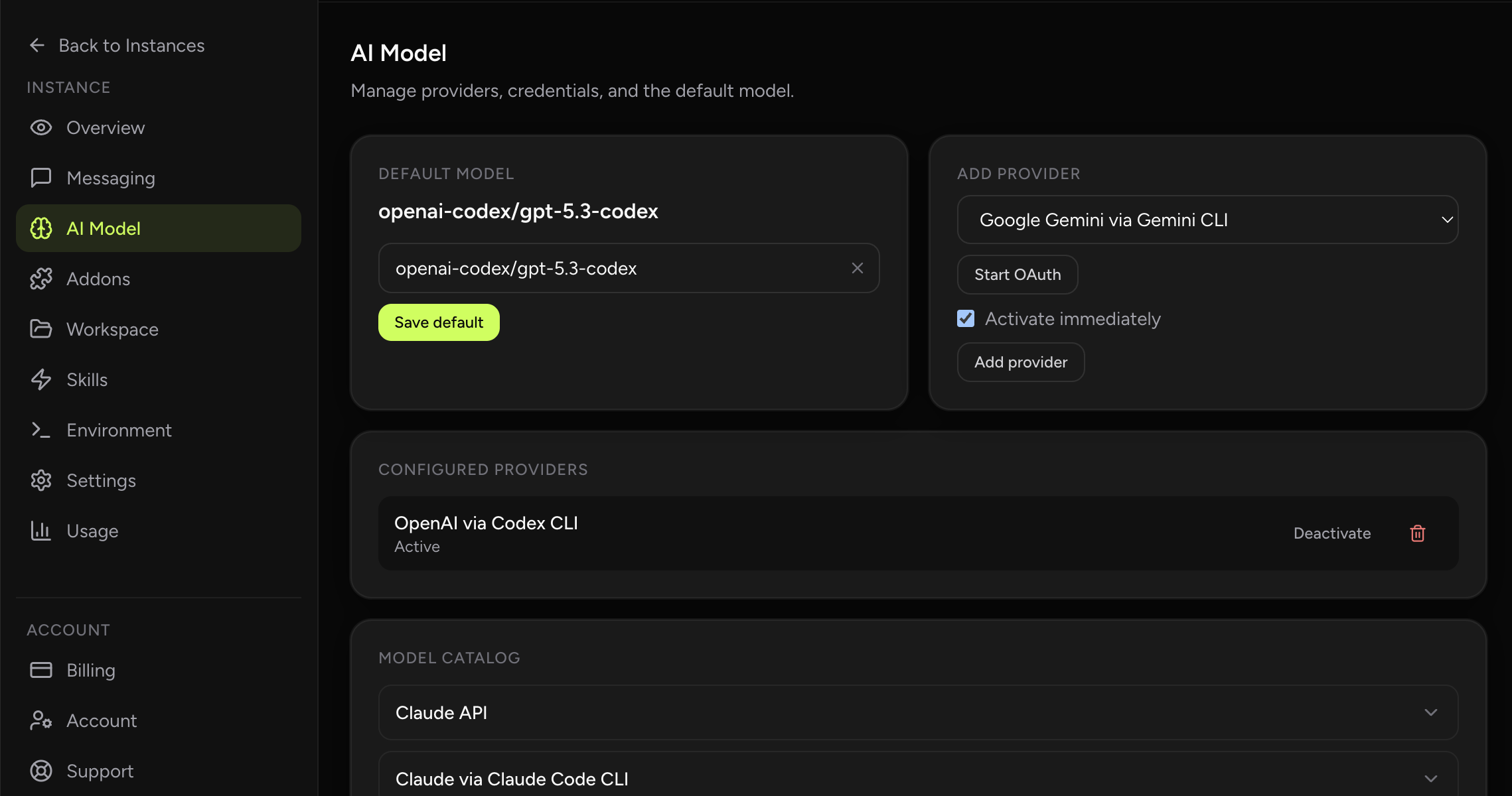
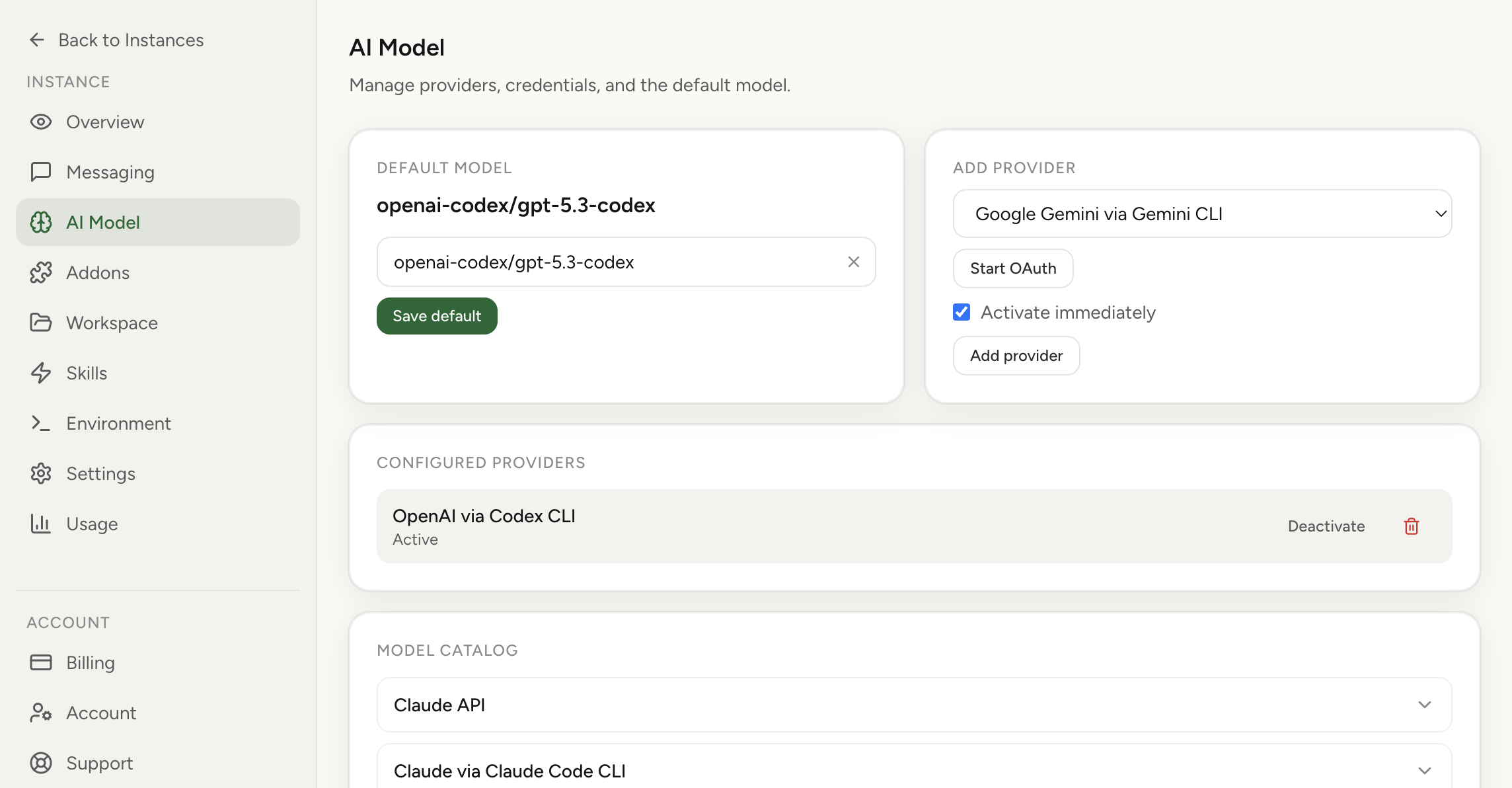
Yes, when the provider supports it. The dashboard exposes the available auth mode for each supported provider.
Choose the right provider auth mode, store credentials safely, and keep setup aligned with the tools your team already uses.
Provider authentication supports multiple modes, including API-key and CLI-native credentials used by developer tooling. This helps align your assistant auth with the same workflows you already use in coding environments.
Real product screenshot
Different providers support different authentication methods, and the dashboard helps you pick the one that matches your current workflow. Some setups are simple API-key flows, while others align with CLI-native or OAuth-style credentials.
The result is a cleaner setup experience for operators who want to reuse the same auth model they already trust in development.
Use this page to understand the available auth modes and how they behave in the dashboard. When you need exact provider-specific steps, jump to the matching tutorial for the full walkthrough.
That keeps the main auth page readable while still giving you a direct path into detailed setup instructions.
Yes, when the provider supports it. The dashboard exposes the available auth mode for each supported provider.
Open the tutorial when you need provider-specific instructions, token formats, or exact step-by-step setup guidance.