Can I test a cron job manually?
Yes. You can run a job manually from the dashboard to validate the payload and delivery behavior before waiting for the next scheduled execution.
Schedule recurring work, run jobs manually, and manage cron-based automation from the dashboard instead of stitching it together in the shell.
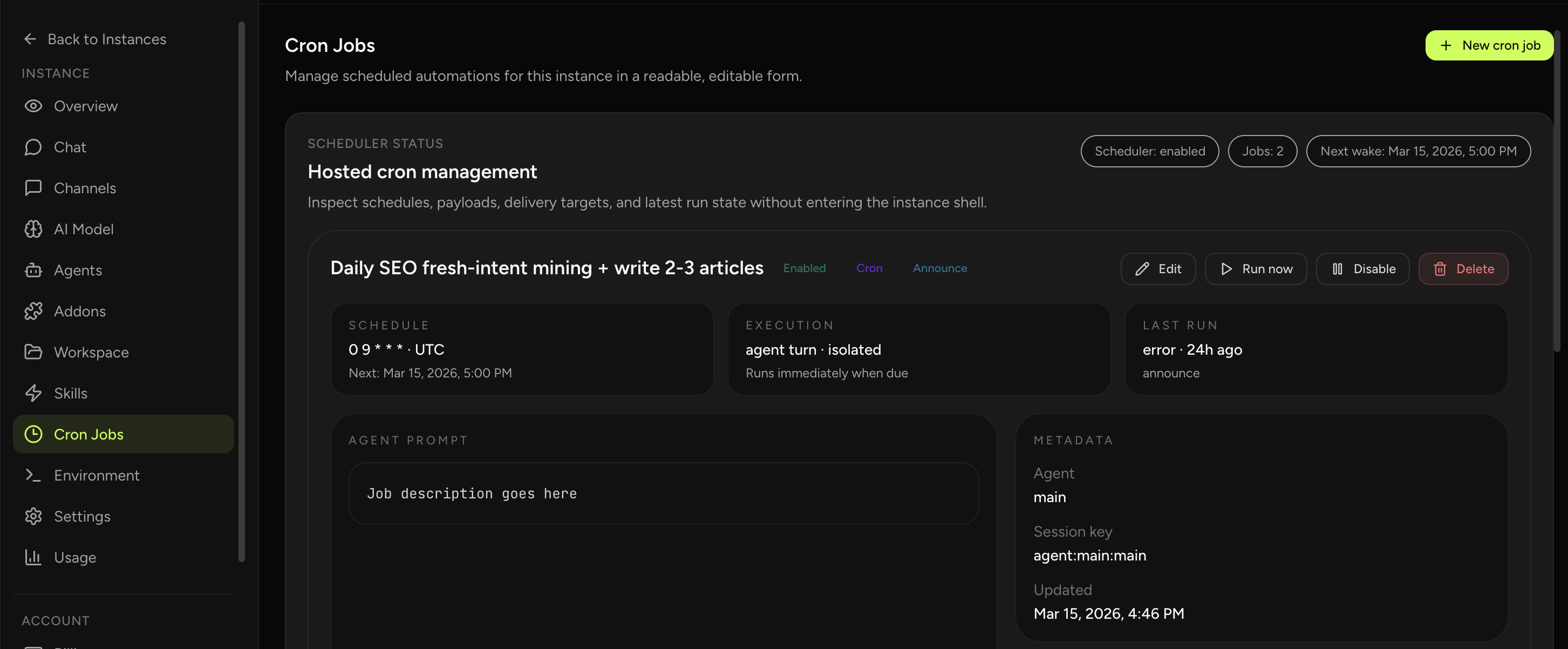
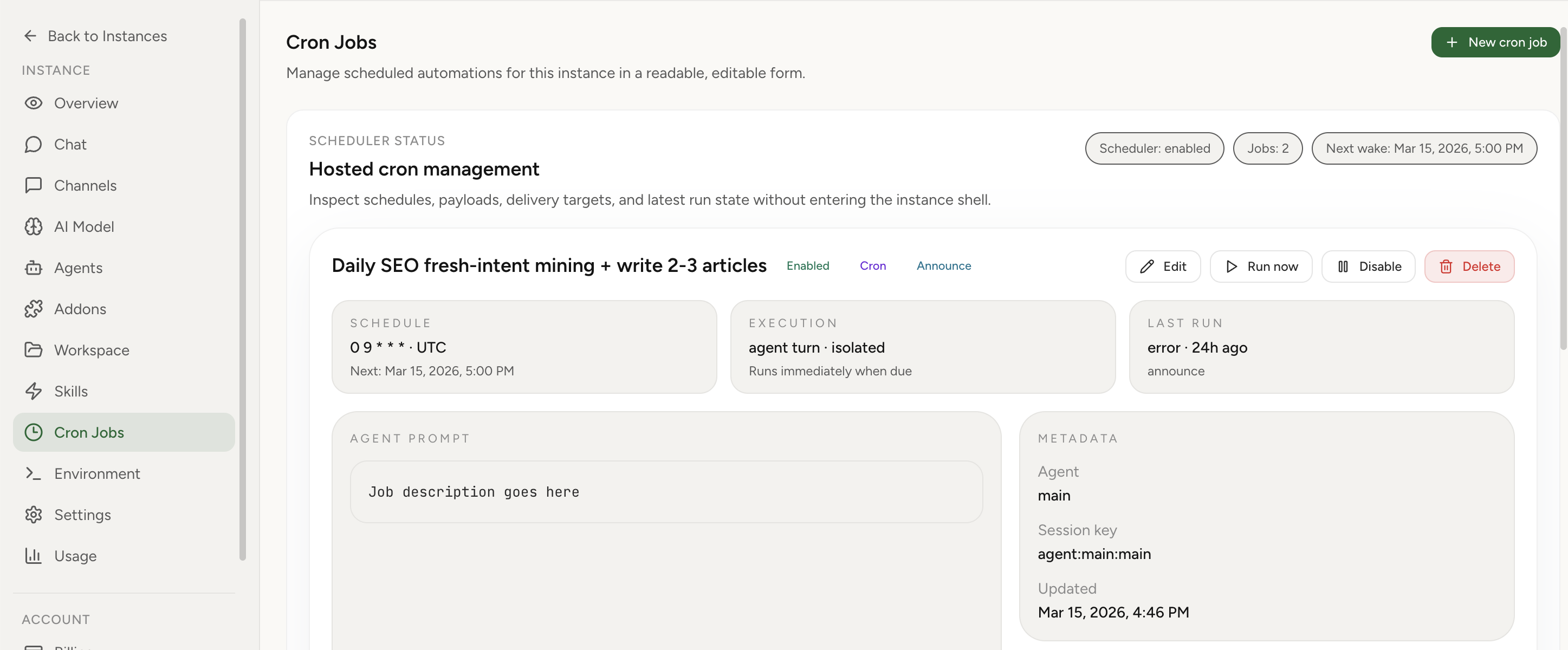
OpenClaw Setup now exposes hosted cron management directly in the instance Overview tab. Instead of dropping into the instance shell or editing Gateway cron storage manually, you can inspect schedules, payloads, session targets, delivery targets, and recent run state in one readable interface.
OpenClaw cron docsCron queue troubleshootingRun-now timeout fix
Real product screenshot
Use cron jobs for recurring reports, reminders, checks, and proactive assistant behavior that should happen without a manual prompt each time.
The dashboard turns those jobs into something readable: you can see the schedule, choose the execution lane, update the payload, test a run, and confirm the latest result from one place.
You do not need to manage cron storage files or hand-written gateway payloads just to keep scheduled work running. The hosted UI covers the common lifecycle: create, edit, enable, disable, run, and delete, while also exposing the core execution choices directly.
That includes wake mode, payload type, agent selection, announce vs internal vs webhook delivery, and visible last-run or delivery errors when a job has problems.
When something does go wrong, the linked troubleshooting guides are there for the incident path while this page stays focused on the normal operating flow.
Yes. You can run a job manually from the dashboard to validate the payload and delivery behavior before waiting for the next scheduled execution.
That you can run OpenClaw scheduled work from a readable dashboard that exposes schedule, session, payload, delivery, and run-state controls instead of stitching them together from storage files and shell commands.