What belongs in this section?
Use it for runtime environment variables and similar configuration that should be applied through the dashboard restart flow.
Edit runtime variables from the dashboard and apply them through a managed restart instead of patching config by hand.
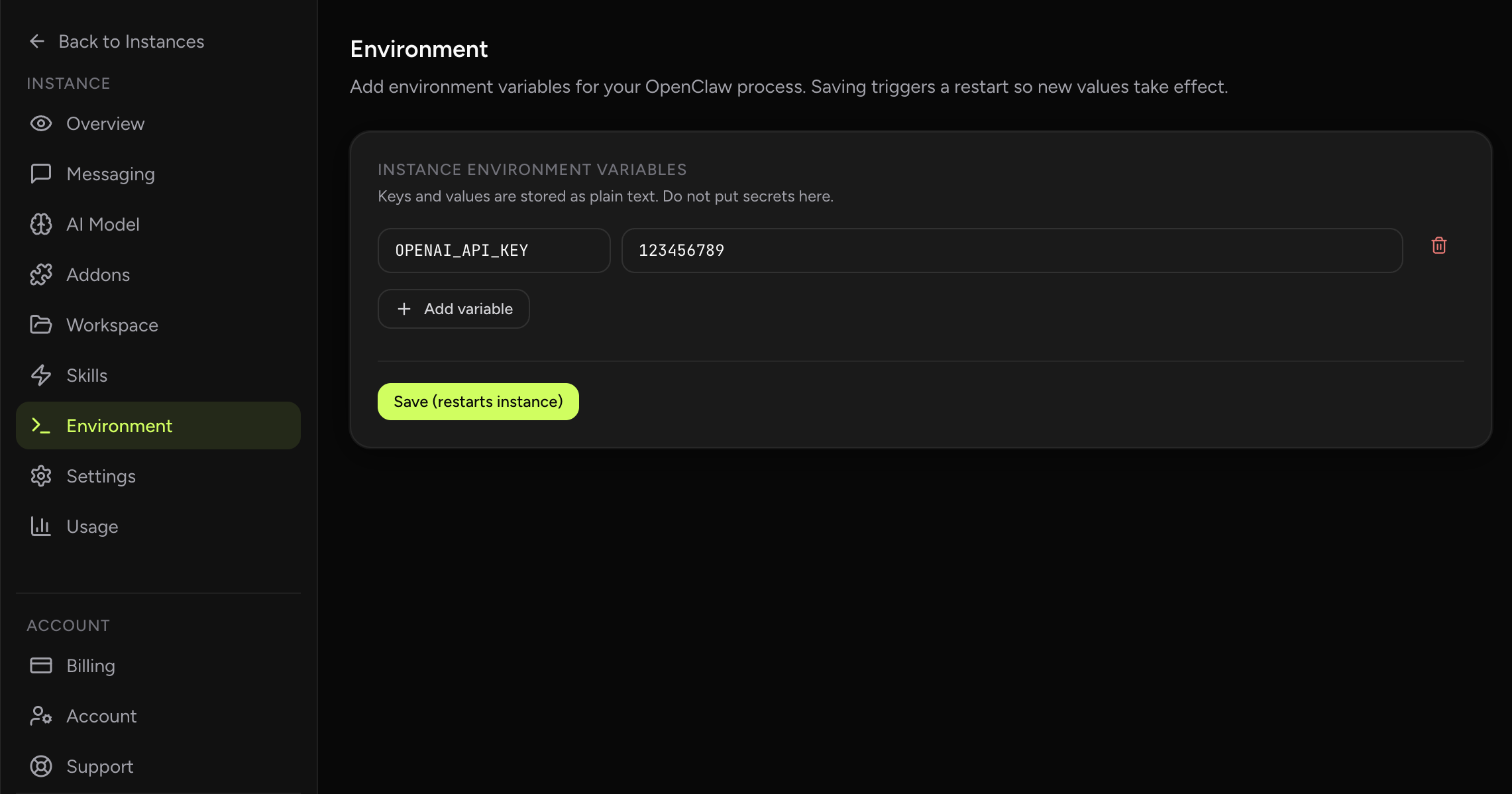
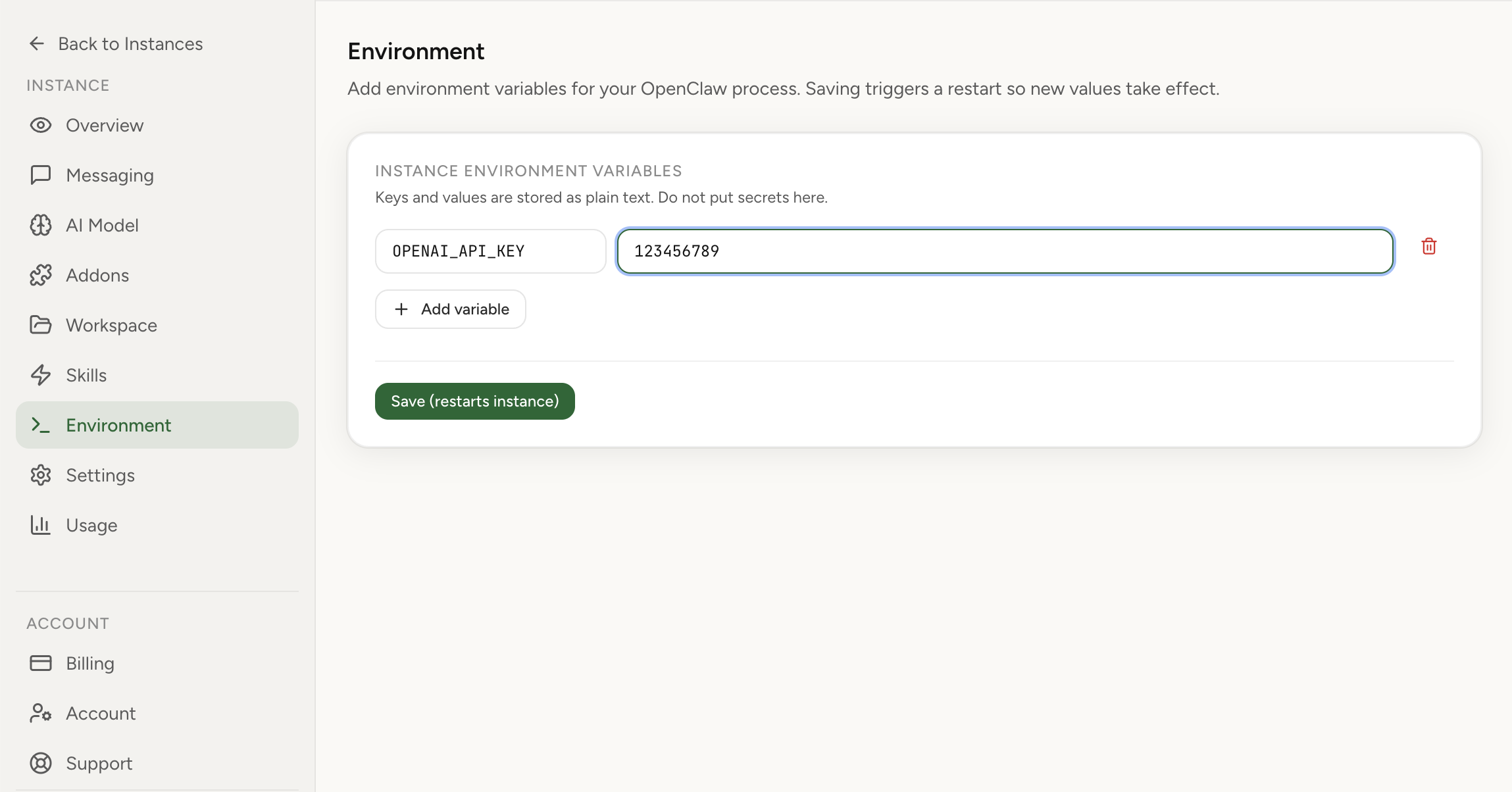
Environment settings are editable in the dashboard with row-based key/value controls. Save actions trigger a managed restart so your OpenClaw runtime picks up changes safely and predictably.
Real product screenshot
This view is for non-secret runtime configuration that belongs at the environment-variable level. You can update values, review pending changes, and apply them with a controlled restart.
That workflow keeps the configuration model readable for operators who want confidence about what changed and when it was rolled out.
Environment variables are easy to get wrong when the only interface is a shell or a scattered set of config files. A dashboard flow reduces that risk by showing the full change in one place.
You still control the exact values, but you do it with clearer visibility into save state, restart timing, and the runtime boundary the change affects.
Use it for runtime environment variables and similar configuration that should be applied through the dashboard restart flow.
Use it for runtime configuration values. Use provider-auth pages and tutorials when the task is API key, OAuth, or provider-specific authentication.