Why use multiple agents in one instance?
It lets you separate specialist roles and context without managing several full installations.
Run multiple specialist agents inside one managed instance and route chats to the right one without maintaining separate installs.
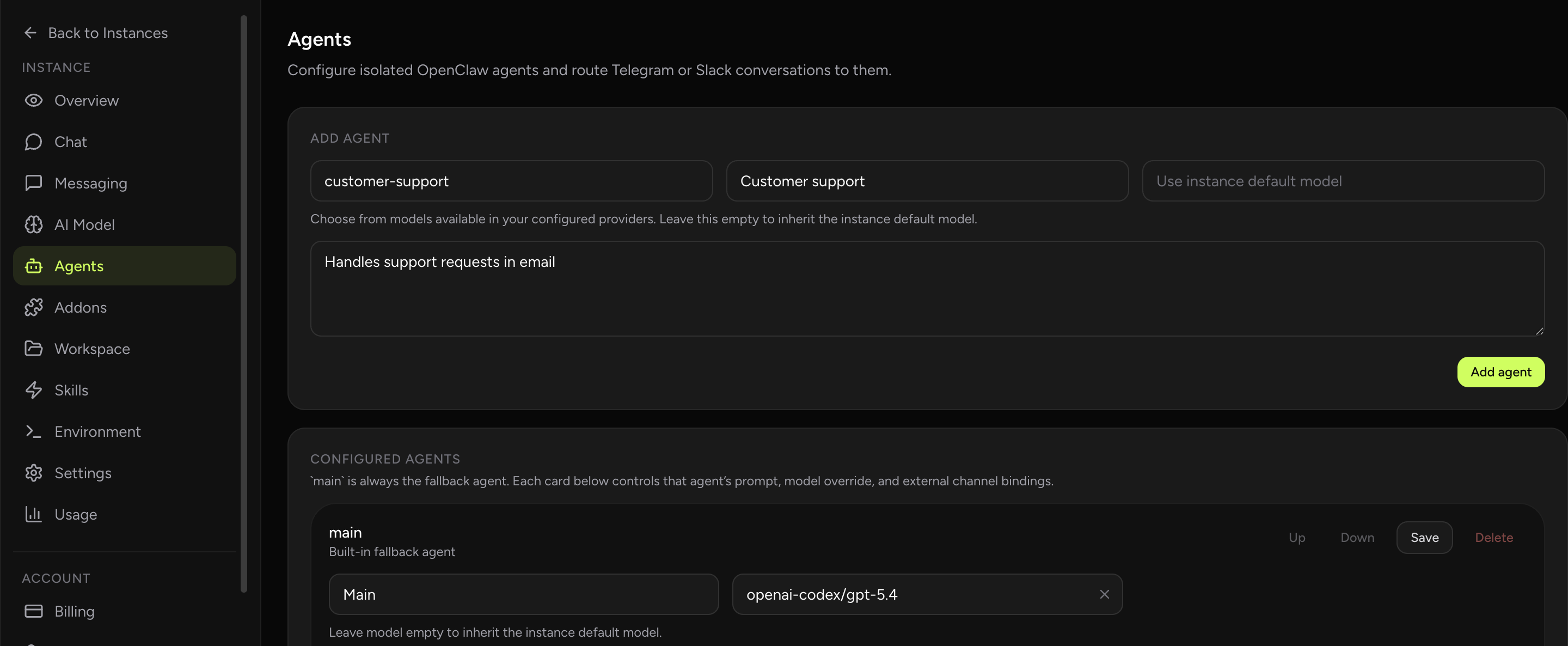
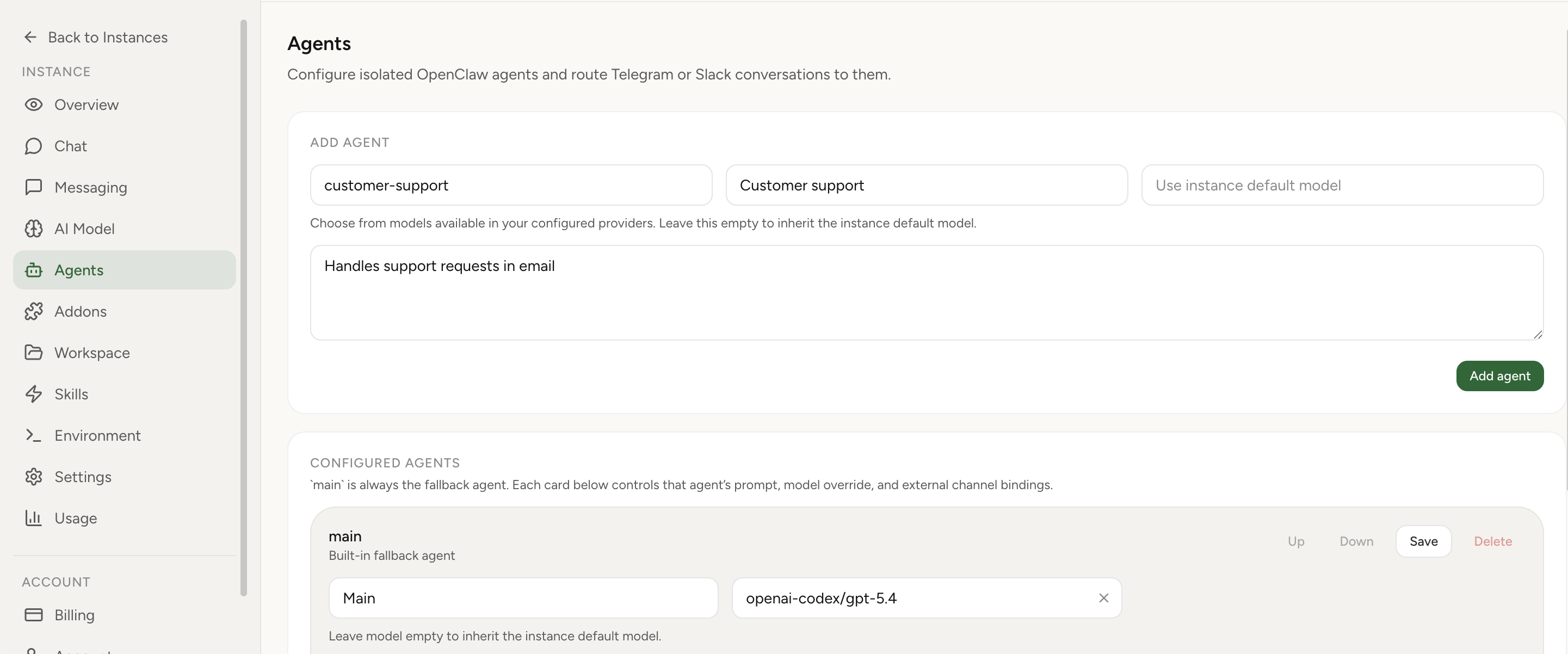
OpenClaw Setup lets you configure separate agents inside a single hosted instance. Each agent keeps its own workspace, session history, and role-specific behavior, while the dashboard lets you choose an agent directly in Built-In Chat or route Telegram and Slack conversations to the right one.
OpenClaw multi-agent guideProduct updateBuilt-In Chat feature
Real product screenshot
You can create several agents inside one instance, give each one a separate role, and choose which agent should answer in Built-In Chat or routed messaging flows.
That makes it easier to separate research, ops, support, or other specialist behavior without multiplying the number of full environments you need to maintain.
Routing matters most when different channels or conversation types should go to different specialists. A dashboard-level agent picker also gives you a fast way to test each agent before you wire it into messaging.
If you want a deeper walkthrough of the model, the linked guide covers the longer explanation while this page stays focused on the product workflow.
It lets you separate specialist roles and context without managing several full installations.
That one managed instance can hold multiple specialist agents with separate context and routing, without forcing you to manage multiple full installs.