Do I need terminal access to manage skills?
No. You can browse, install, inspect, edit, and remove skills from the dashboard.
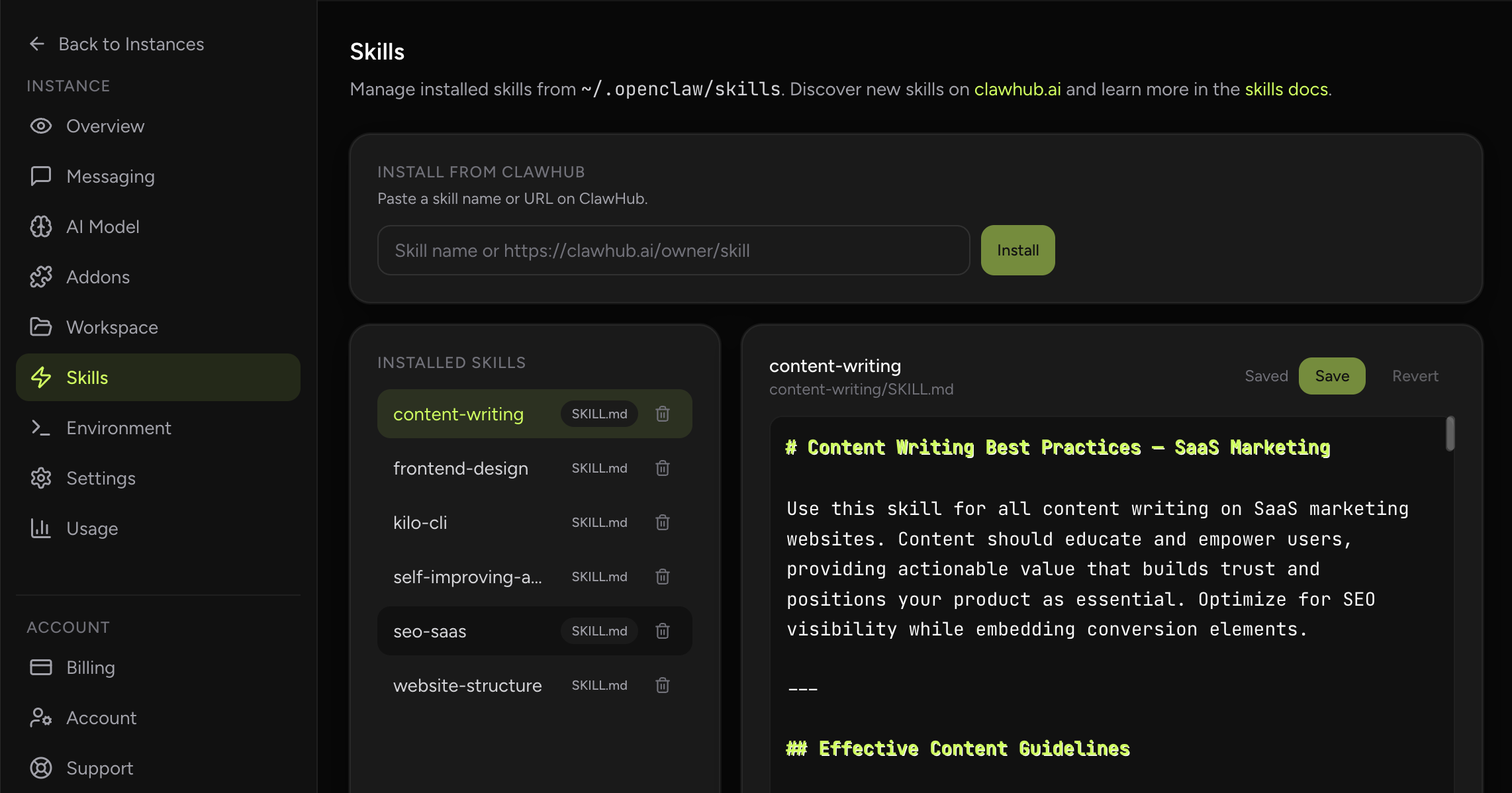
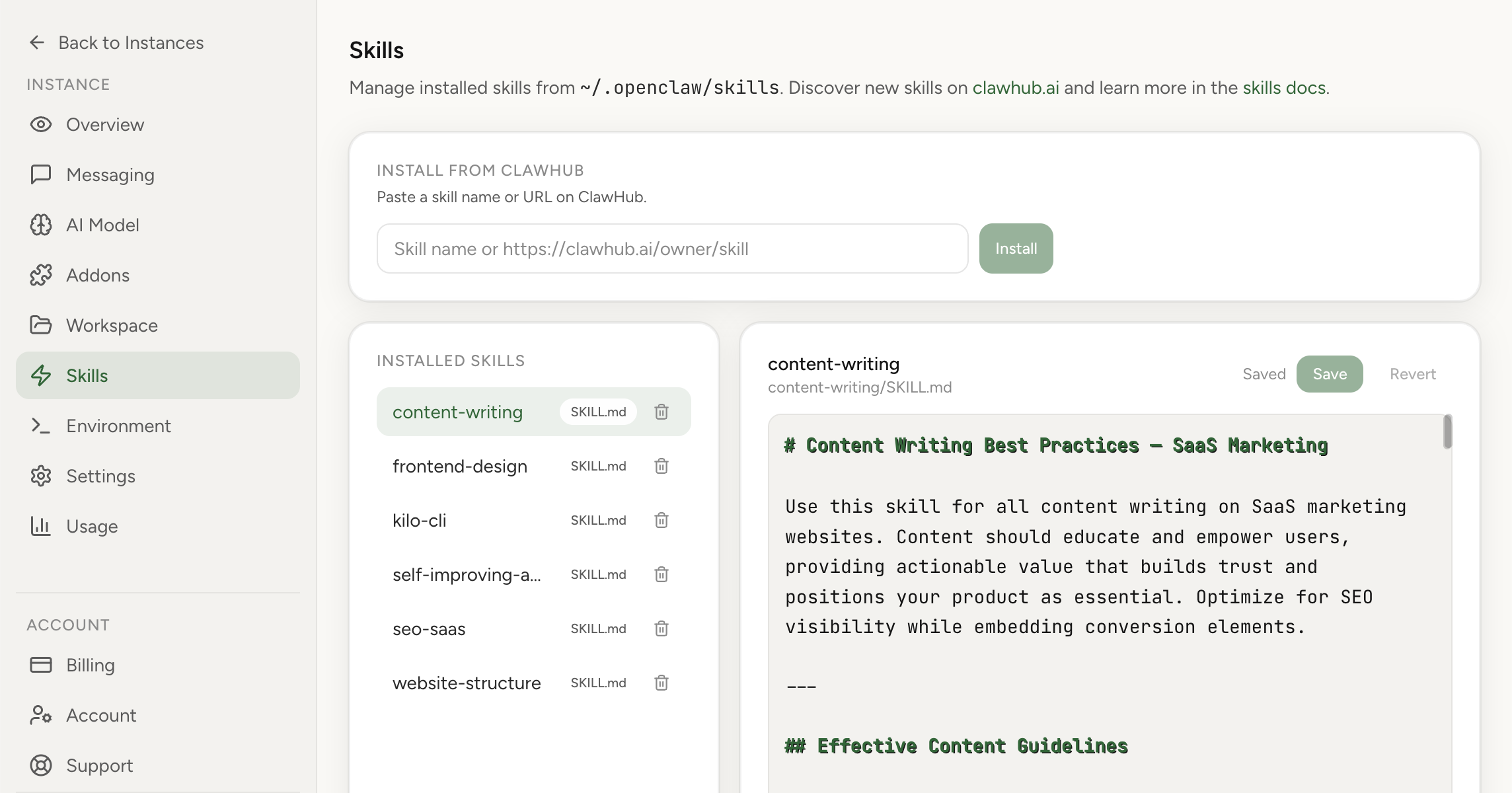
Browse, install, and edit skills from ClawHub without leaving the dashboard or touching the terminal.
The Skills section gives you a full interface for managing OpenClaw agent skills without touching the terminal. You can browse the ClawHub catalog, install skills into your instance, view installed skill files, and edit skill content inline from the dashboard.
Real product screenshot
Skills are reusable operating units for your assistant. They let you add focused behavior quickly without rebuilding the whole environment around the agent.
OpenClaw Setup makes that workflow easier by keeping discovery, install, editing, and removal inside one dashboard flow.
Skills often work alongside memory files and other instruction layers, so this page links to the deeper guides when you want to understand how those pieces interact.
For everyday use, the main value here is simple: install the skill you need, review its files, and update it without a shell session.
No. You can browse, install, inspect, edit, and remove skills from the dashboard.
That you can install, inspect, and edit OpenClaw skills from the dashboard instead of relying on terminal-only workflows.