Can I edit AGENTS.md here?
Yes. AGENTS.md, memory notes, runbooks, and related Markdown files can all be edited from the workspace view.
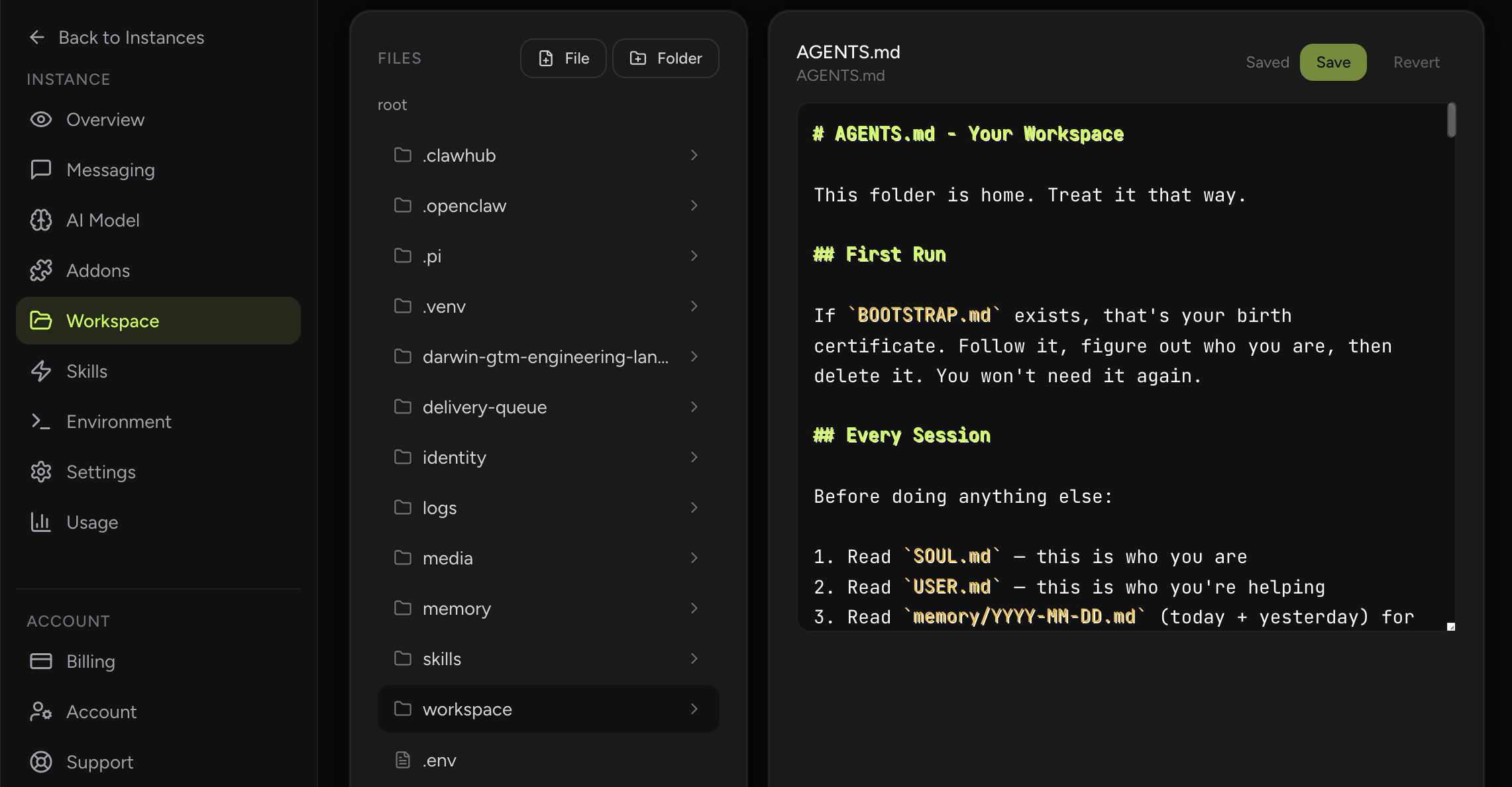
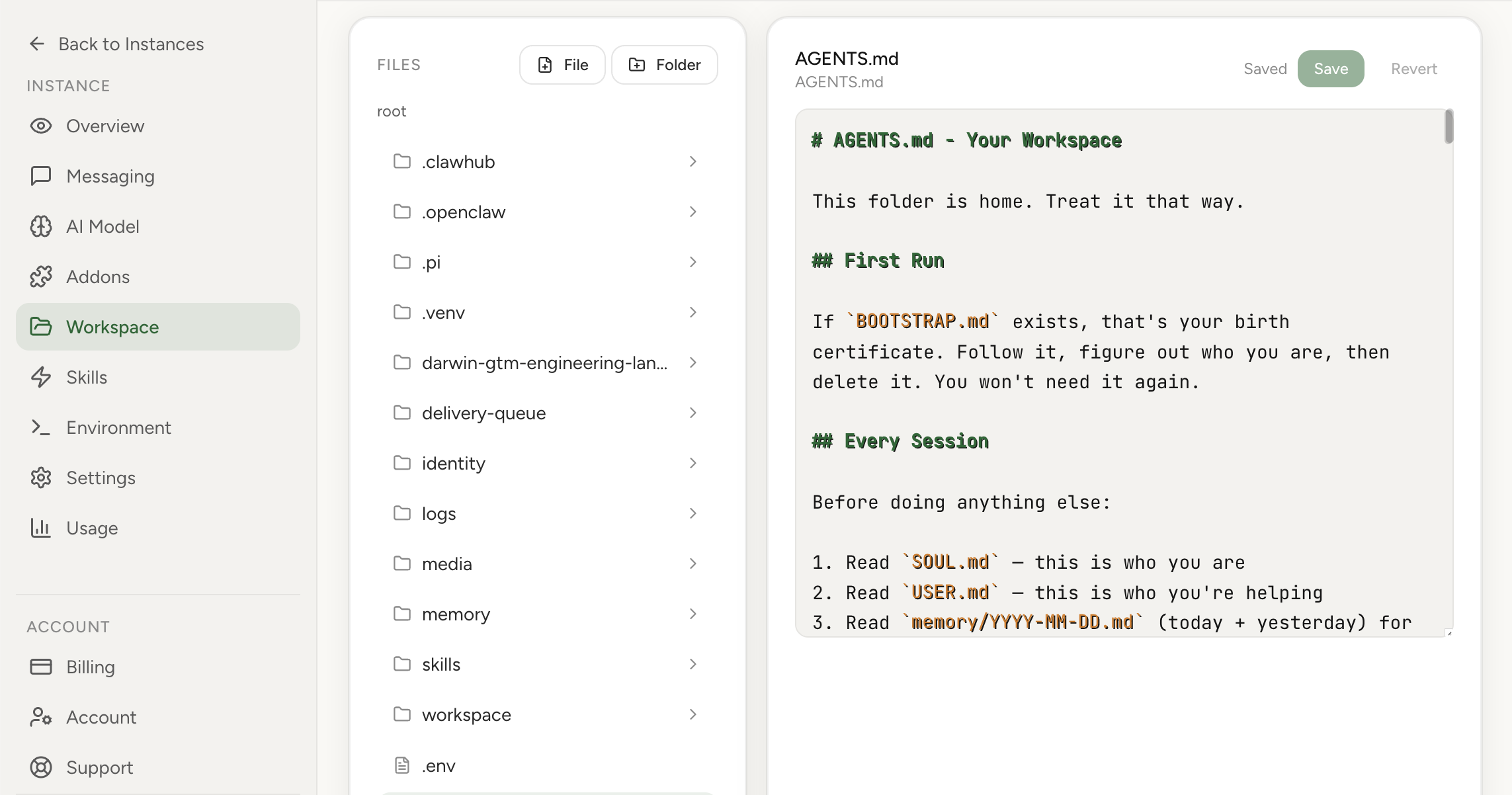
Browse and edit AGENTS.md, memory notes, and other workspace files directly from the dashboard.
The Workspace section lets you manage your assistant's Markdown knowledge, AGENTS.md instructions, and memory files inside the dashboard. You can browse files, edit content, and push updates directly to your instance workspace.
Real product screenshot
The workspace holds the Markdown files that shape how your agent behaves day to day: AGENTS.md, memory notes, runbooks, and related instructions.
With the dashboard editor you can browse those files, make changes quickly, and keep the operational context attached to the instance that actually uses it.
Use the editor when you already know what file you want to change and need a fast way to update it. Use the supporting guides when you want a deeper explanation of how memory files or AGENTS.md are structured.
That split keeps the product workflow simple while still giving operators a place to learn the underlying concepts.
Yes. AGENTS.md, memory notes, runbooks, and related Markdown files can all be edited from the workspace view.
It keeps important instruction and memory files editable from the dashboard so operators do not need terminal access for routine changes.