1
Sign in and connect
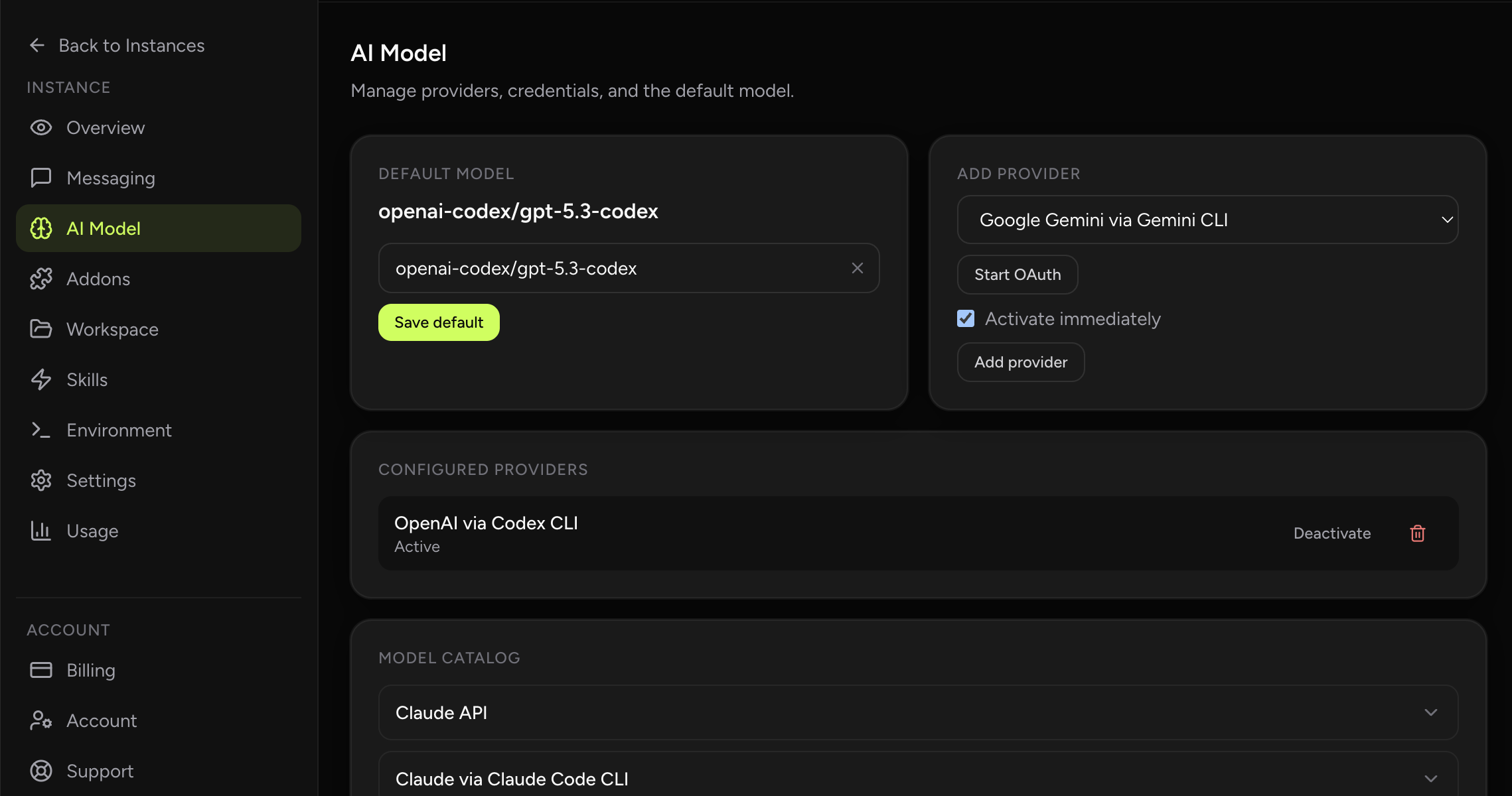
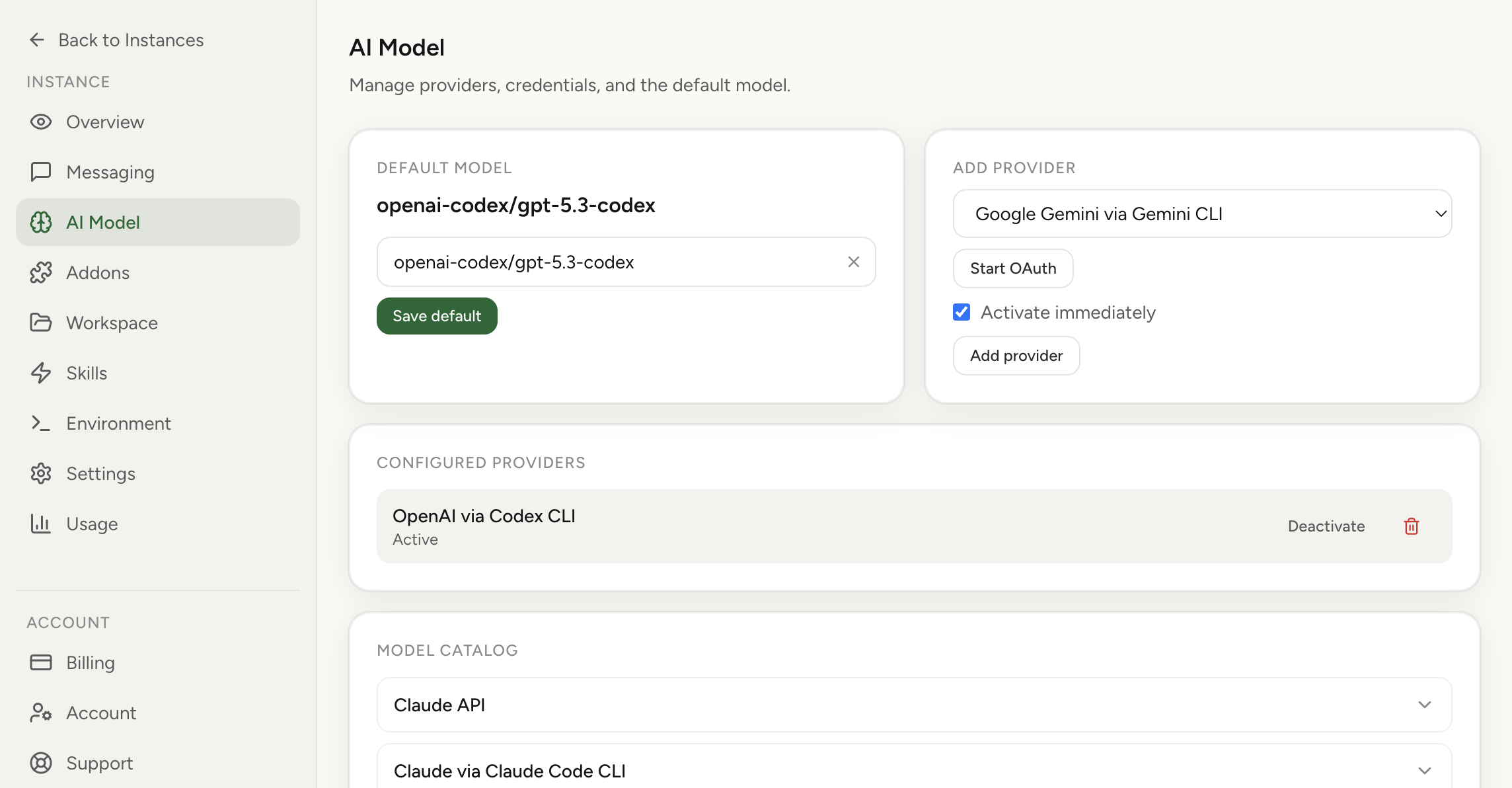
Sign in with Google, then connect your Telegram or Slack bot and your LLM provider (OpenAI, Anthropic, Gemini, or others).
Run OpenClaw without owning day-2 infrastructure work. You get managed operations, security defaults, and usage visibility while keeping control of model credentials and bot setup.
Cloud hosting for OpenClaw means your assistant runs on managed infrastructure with security-by-design defaults. You don't touch servers, networking, or update cycles. You bring your LLM provider credentials and messaging platform tokens, and the platform handles the rest.
This is a product-focused breakdown of runtime boundaries, security controls, and operating model. If you want Q&A style guidance first, start with Answer Hub. For the self-managed path, use the OpenClaw setup guide plus the troubleshooting checklist.
Time to first message with guided setup.
No servers to provision, patch, or monitor.
Bring your own LLM keys. View hosting plans.
| Factor | Self-hosted | Cloud hosting |
|---|---|---|
| Setup time | Hours to days | Minutes |
| Server management | You handle provisioning, OS, updates | Fully managed |
| Security hardening | You design and maintain | Built-in isolation, no public IP |
| Credential storage | You secure API keys in your runtime | Encrypted at rest (AES-256-GCM), keys separated from agent |
| Monitoring | You set up logging and alerts | Built-in usage and cost analytics |
| Access control | You implement allowlists | Allowlist-only messaging by default |
| Updates | You track and apply | Managed updates |
Sign in with Google, then connect your Telegram or Slack bot and your LLM provider (OpenAI, Anthropic, Gemini, or others).
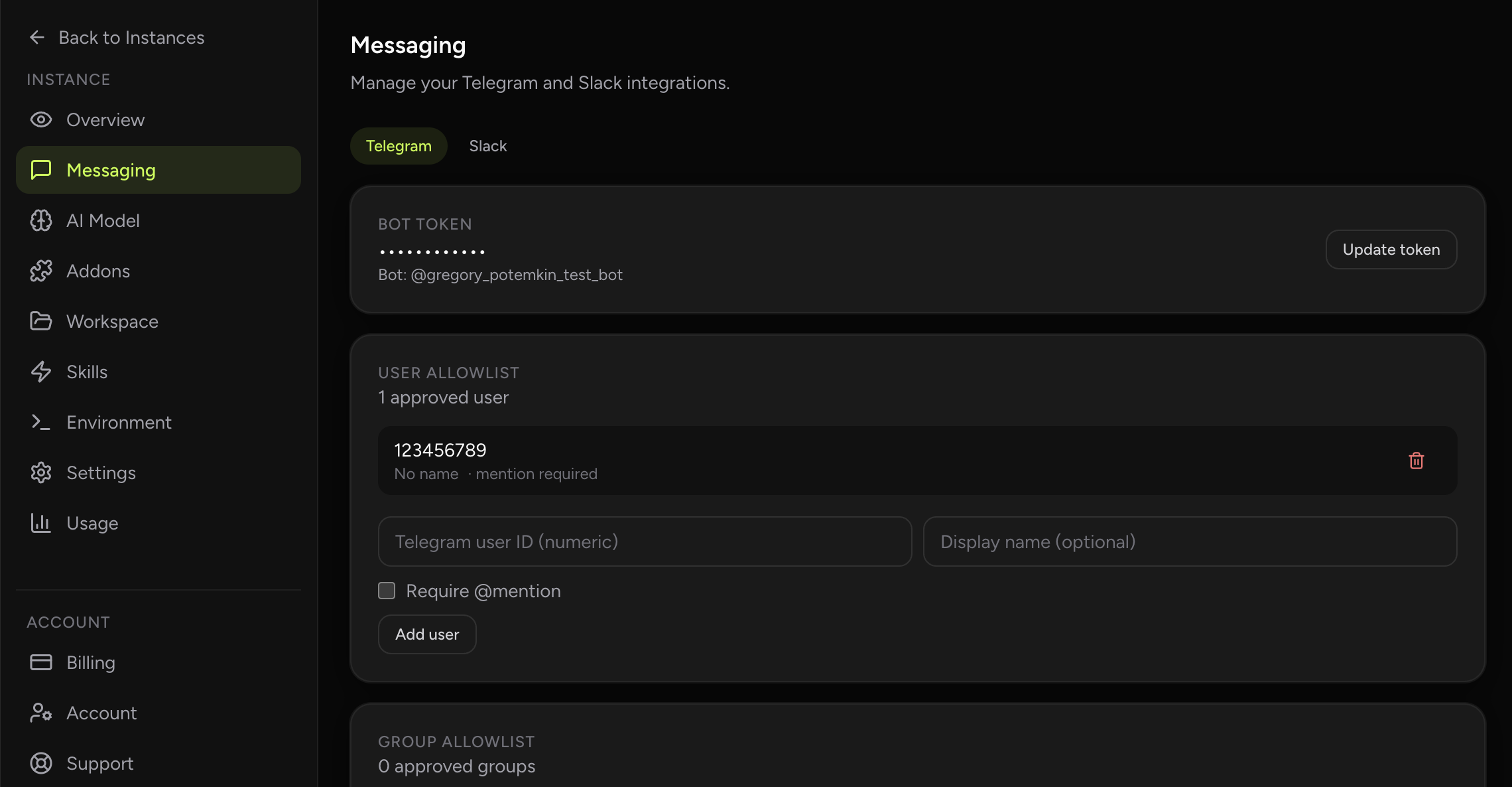
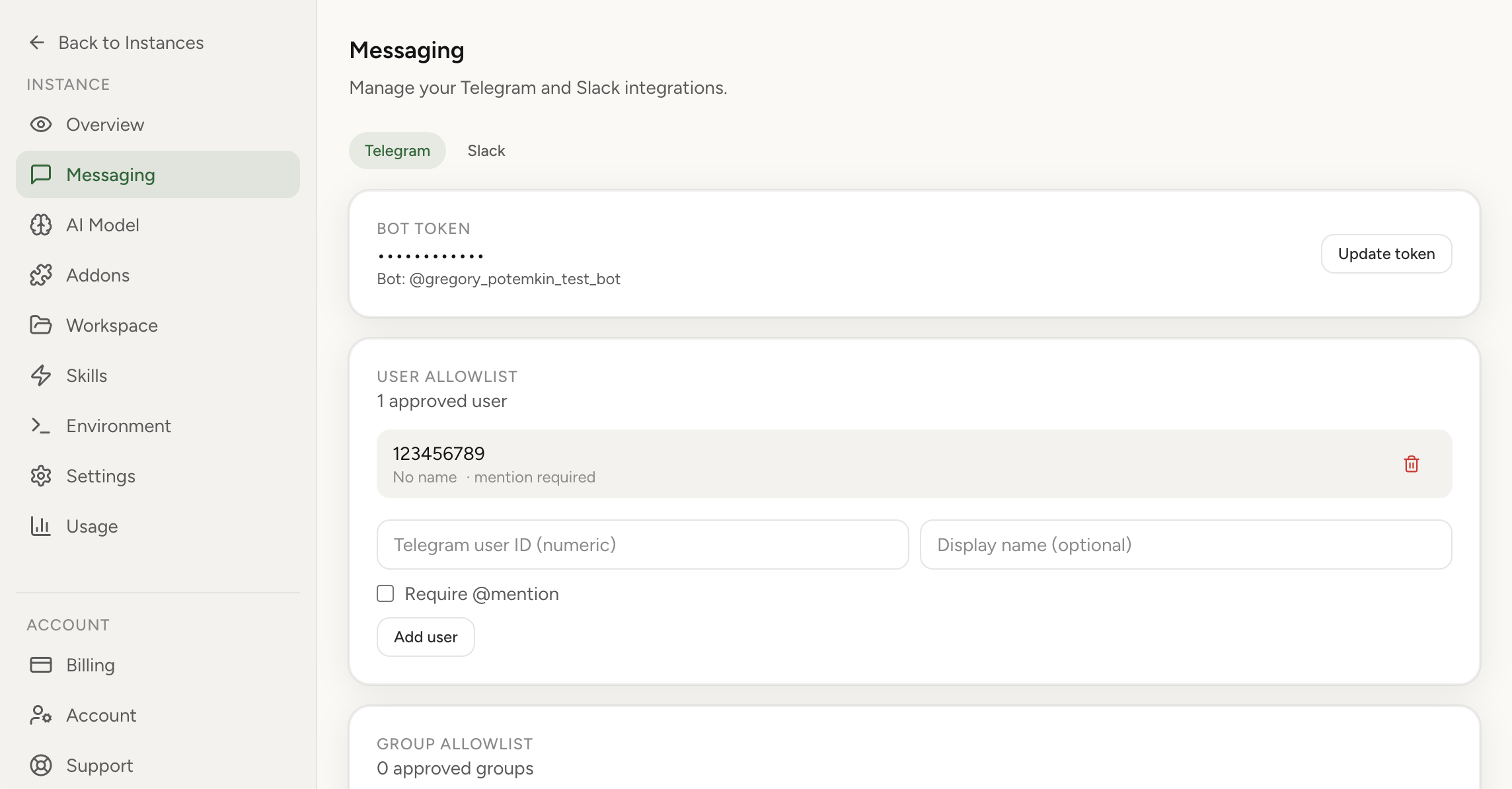
Set up your allowlist so only approved users can message your assistant. Credentials are encrypted and stored separately from your runtime.
Your instance deploys to an isolated environment with no public IP. Monitor usage and cost by model directly in the dashboard.
With BYOK (bring your own keys), you pay your provider directly for model usage. Hosting plan pricing is shown in our pricing section. The dashboard shows token burn by model so you can catch surprises early.
You get a managed OpenClaw runtime with deployment, patching, and baseline security controls handled by the platform team.
Self-hosting gives deeper low-level control but requires setup, hardening, patching, and monitoring. Managed runtime removes that recurring work.
Isolated runtime boundaries, no public IP exposure, encrypted credentials (AES-256-GCM), and allowlist-based messaging access.
Yes. You can export your workspace from a self-hosted instance and import it into the managed platform. Secrets and tokens are excluded from exports for security.
Solo is $3.9/month for 1 active instance. Trio is $6.9/month for up to 3 active instances. For higher usage, contact the developer for a Custom plan. See pricing.
No infrastructure work. Secure defaults. Clear cost visibility.