OpenClaw skills: what they are, how ClawHub works, and how to use them safely
If you’re searching for OpenClaw skills, you’re probably trying to answer three practical questions: (1) what a skill actually does, (2) where to find good skills, and (3) how to avoid installing something dangerous. This guide covers all three, including how ClawHub and clawhub.com fit into the ecosystem.
OpenClaw skills are reusable capability packs (usually a folder with SKILL.md and optional scripts) that teach your agent how to perform specific jobs.
ClawHub is the public marketplace/registry for those skills. Skills are powerful — and like any plugin system, they require a security-first workflow.
What is an OpenClaw skill, exactly?
According to the official OpenClaw docs, skills are AgentSkills-compatible folders loaded by OpenClaw to teach tool usage and workflow behavior. In practice, think of a skill as a “capability module” for the agent:
- It has a clear name + description in
SKILL.md. - It contains instructions about when/how to run.
- It can reference scripts, CLIs, APIs, or local tools.
- It can be enabled/disabled and configured per environment.
Official reference: OpenClaw Skills documentation.
How ClawHub fits into OpenClaw
ClawHub is the ecosystem registry for published skills. You can discover skills on the web and install/update them through the CLI and workspace flows. OpenClaw docs point to ClawHub for install/sync workflows, while OpenClaw itself handles loading precedence, filtering, and runtime behavior.
Key point: the registry is discovery + distribution. OpenClaw is execution + policy enforcement. That separation matters because it lets you control what is actually allowed in your environment.
Where skills are loaded from
OpenClaw loads skills from three places (highest precedence first):
<workspace>/skills(workspace-specific)~/.openclaw/skills(managed/shared local)- Bundled skills shipped with install
This precedence model is very useful for teams: you can keep organization defaults in shared locations while letting projects override skill behavior in their own workspace.
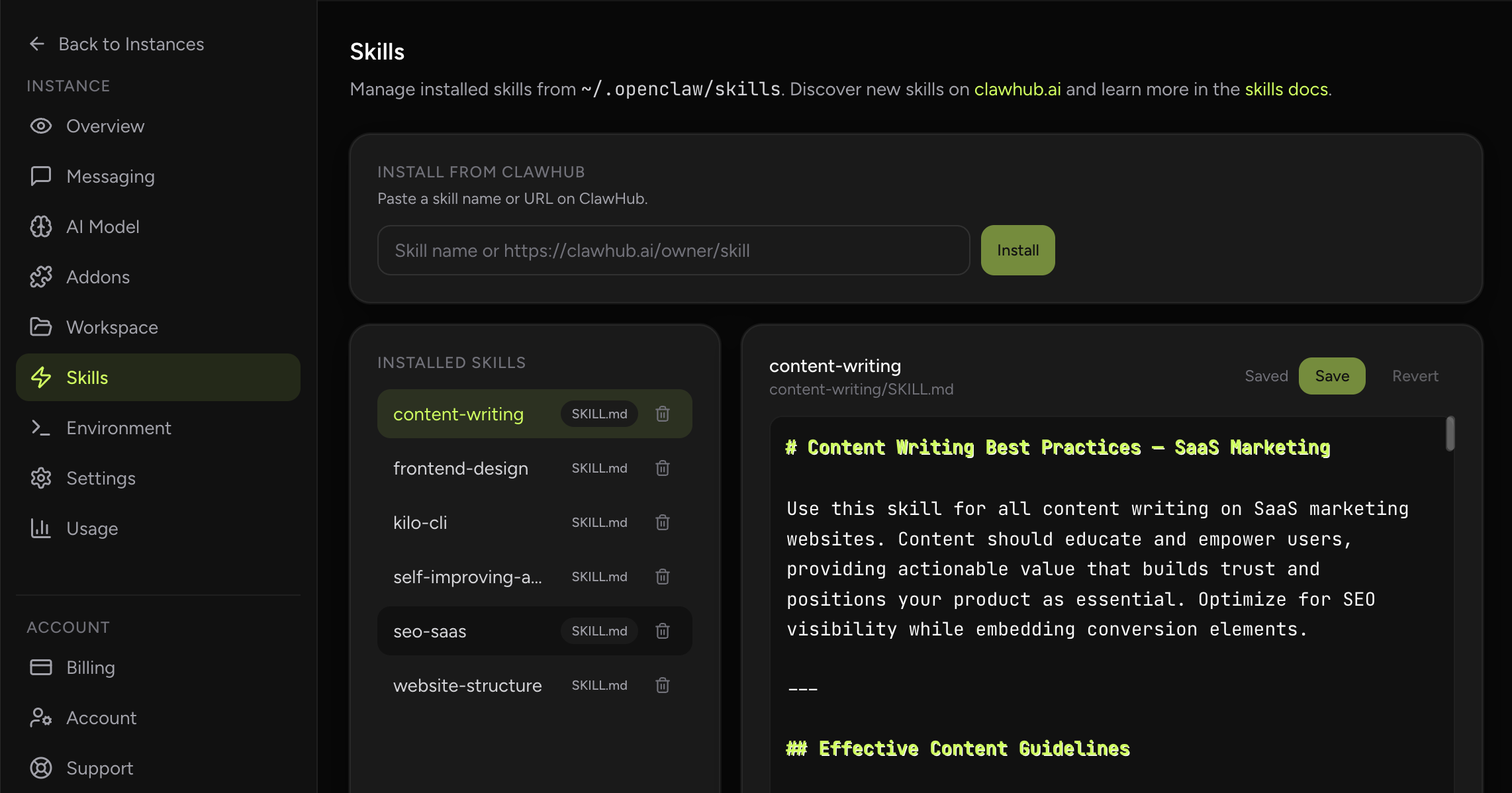
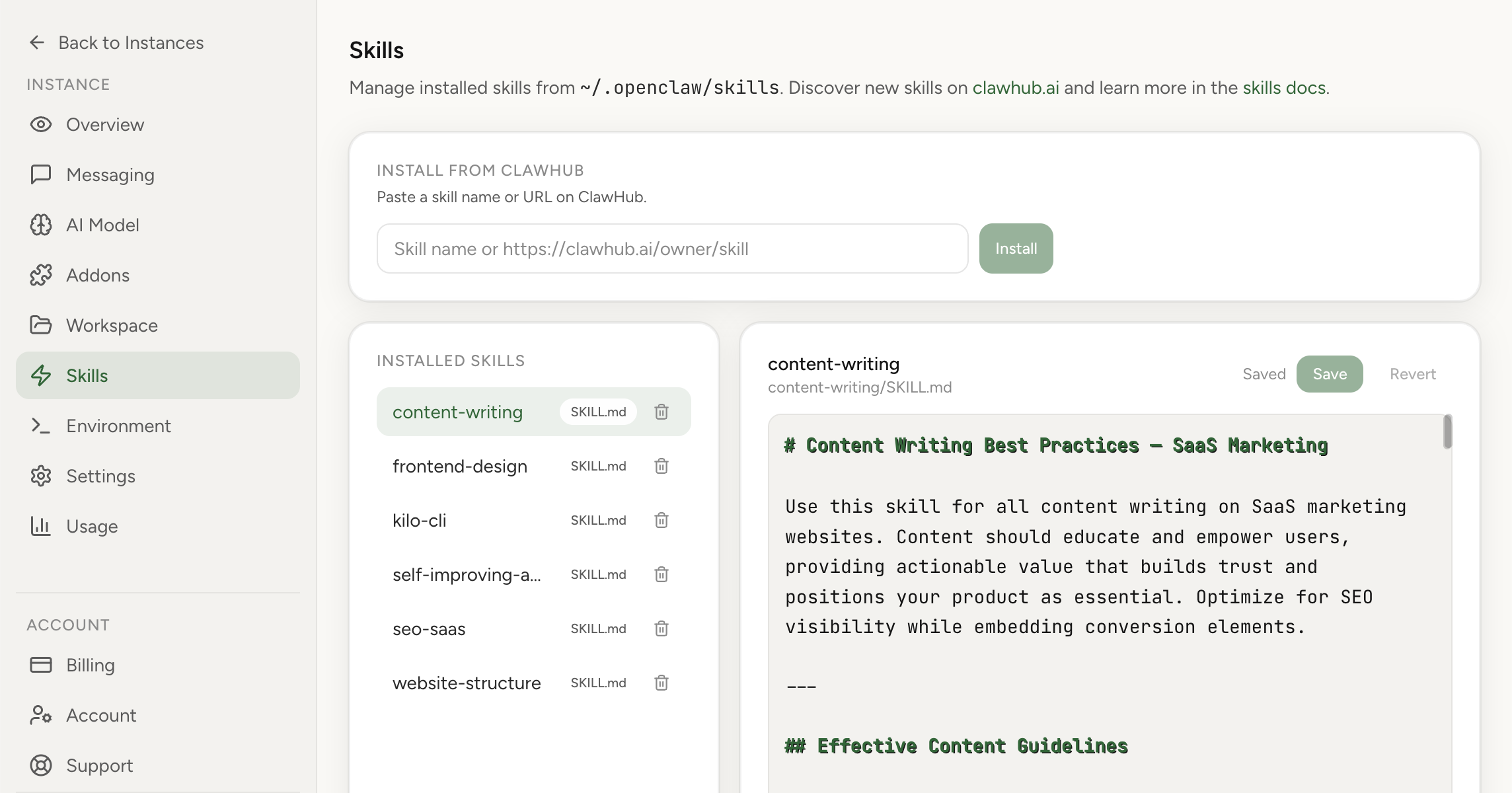
In this product: skills are preinstalled and manageable from dashboard
On OpenClaw Setup, you get skills-ready runtime out of the box. You don’t need to bootstrap a plugin architecture from scratch. You can also install and manage skills directly in the dashboard, which is faster and safer than ad-hoc manual file operations for most users.
Security concerns around OpenClaw skills
People are right to be cautious. Skills are executable behavior inside an agent context. If a skill is malicious or poorly designed, it can create risk:
- Unexpected data access or leakage
- Hidden remote execution behavior
- Abuse of messaging/action tools
- Prompt-level coercion toward unsafe operations
OpenClaw addressed this with a public partnership announcement: ClawHub skills are scanned through VirusTotal threat intelligence and Code Insight workflows, including packaging + hashing + analysis + verdict-based handling. Read the official announcement: OpenClaw x VirusTotal partnership.
What the VirusTotal integration does
- Deterministic skill bundle packaging + SHA-256 fingerprinting
- Lookup and analysis through VirusTotal pipeline
- Verdict-based handling (benign/suspicious/malicious)
- Ongoing re-scan cadence for active skills
Important nuance: this reduces risk; it does not eliminate risk. You still need operational controls.
Practical safety checklist before installing any skill
- Read the skill source and metadata, not just the title.
- Check what binaries/env vars/config gates it expects.
- Prefer sandboxed execution for untrusted workflows.
- Avoid injecting sensitive secrets unless absolutely needed.
- Start in a low-privilege environment and observe behavior.
- Use allowlists for channel/message access boundaries.
- Disable/delete skills you no longer use.
Official docs also stress treating third-party skills as untrusted code and using sandboxing where appropriate. See: skills docs and security docs.
Useful skill examples people often start with
The exact catalog evolves fast, but these categories consistently provide immediate value for teams and founders.
1) GitHub / repo operations
Skills that help with issue triage, PR status checks, review loops, and CI checks are high leverage if your work is in GitHub. Typical result: faster routine coordination, fewer context switches.
2) Environment and security checks
Skills focused on host hardening, exposure checks, and periodic audits are valuable for any deployment that touches production infrastructure.
3) Content/media helpers
Skills for frame extraction, document transformation, and format conversion are useful in operations and marketing workflows.
4) Workflow-specific internal skills
The biggest wins usually come from private/project skills that encode your internal runbooks: release steps, reporting formats, escalation policies, and channel-specific output templates.
How to adopt skills without creating chaos
One anti-pattern we see: installing many skills at once and hoping it “just works.” Better approach:
- Pick one business-critical workflow.
- Install only the minimum supporting skill set.
- Validate behavior with real prompts and safe test data.
- Document expected outputs and failure handling.
- Scale to the next workflow only after stability.
OpenClaw skills and SEO reality
If you’re writing about skills publicly, people search for very practical intent: installation, safety, compatibility, and examples. Tutorials that include screenshots, policy guidance, and verified references typically outperform generic hype pages. That is why this article links official docs and security statements directly.
Final recommendations
- Use ClawHub for discovery, but keep a strict install policy.
- Treat all third-party skills as untrusted until reviewed.
- Use dashboard-based management for cleaner operations.
- Start with high-ROI workflows, not maximum skill count.
- Review security posture regularly as your skill set grows.