Managed Paperclip workspace for OpenClaw agents is live in OpenClaw Setup
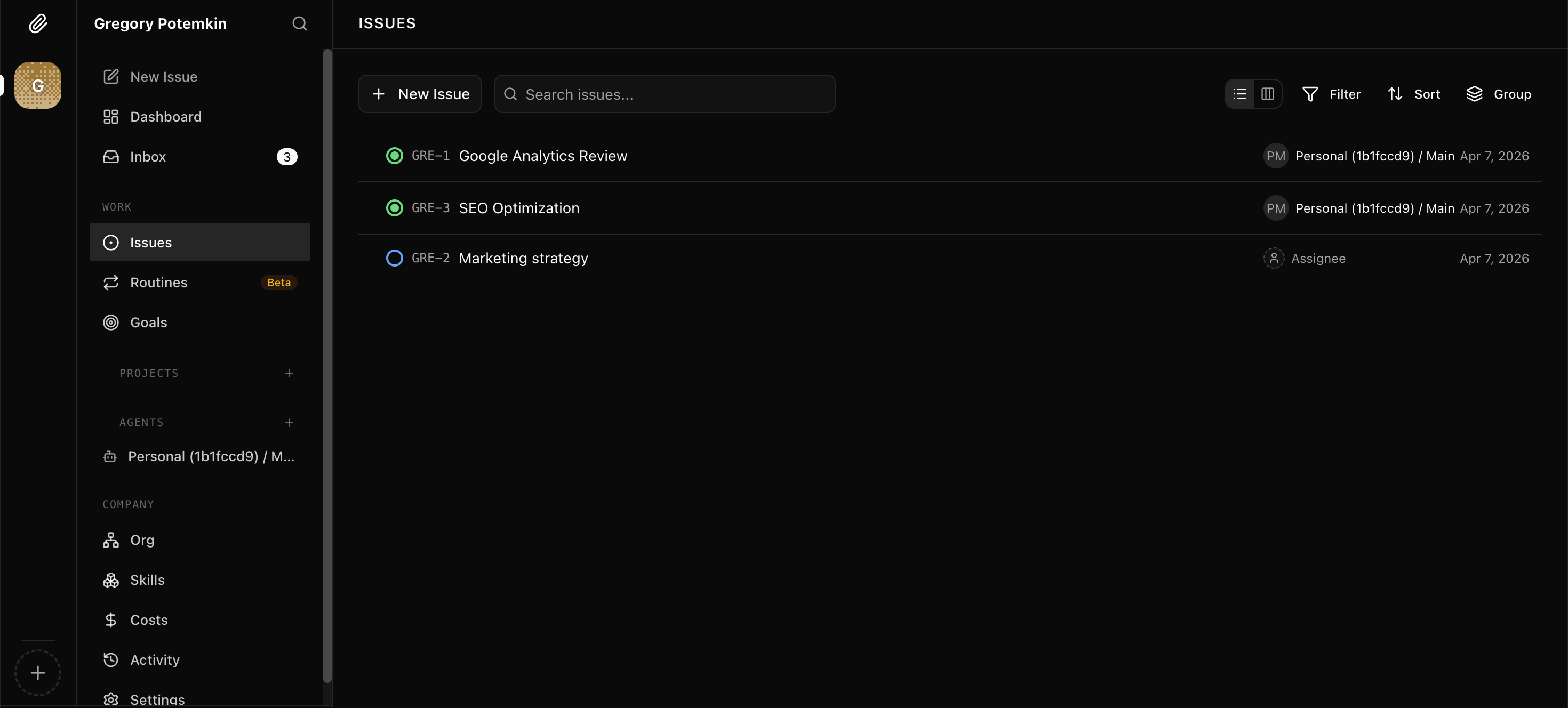
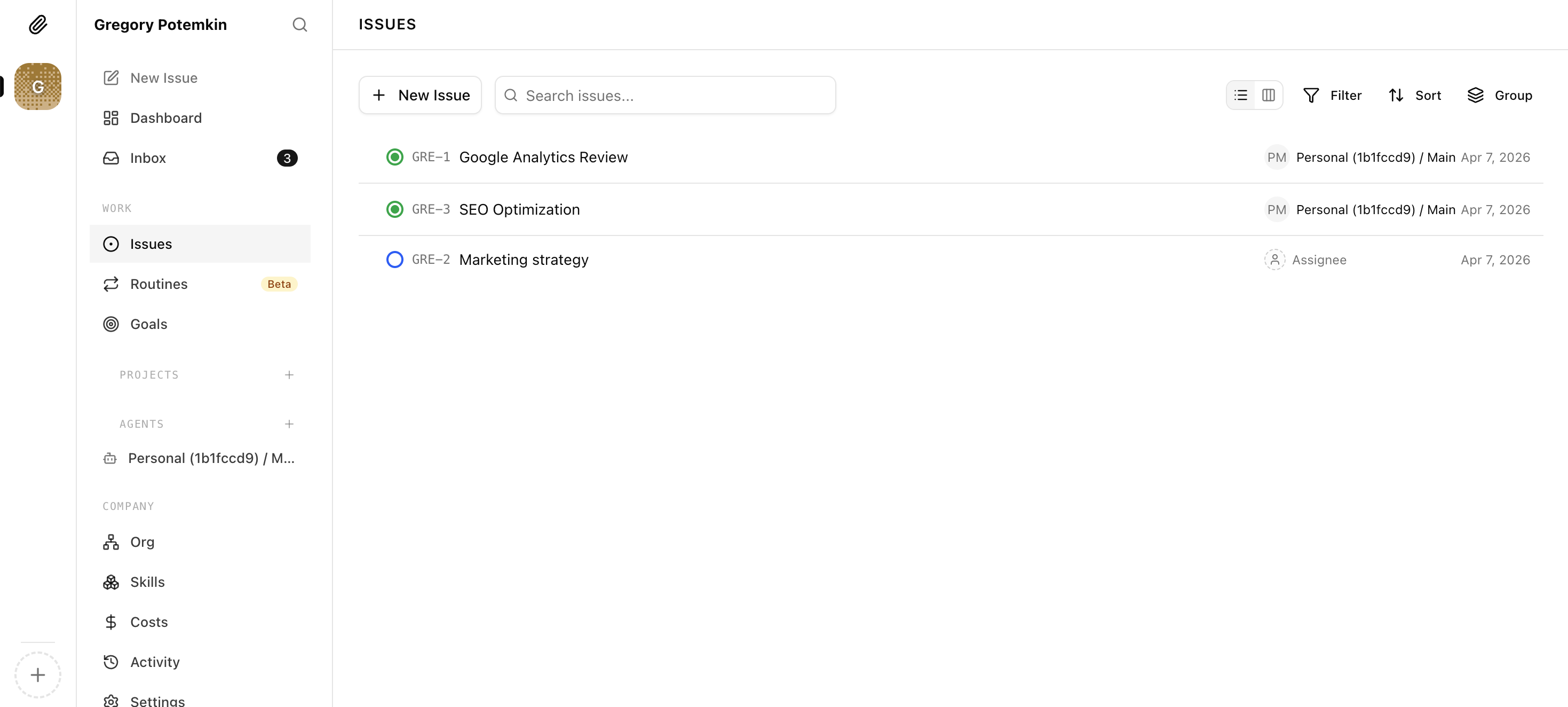
OpenClaw Setup now offers managed Paperclip hosting. Enable it once and a Paperclip workspace is provisioned for your account and auto-attached to every OpenClaw instance you own — including ones you haven't launched yet. Spin up a new OpenClaw later and it's already mirrored in your workspace the moment it boots. New Paperclip workspace deployments are a $3.90/month add-on. No API keys, no endpoint wiring, no manual re-sync.
What shipped
- Auto-attach to every present and future OpenClaw: by default, the managed workspace covers every instance you own — including instances you haven't launched yet. New OpenClaws are mirrored into Paperclip automatically the moment they boot.
- Automatic workspace provisioning: enable Paperclip from the dashboard and a workspace is created and connected for your account instantly — no external signup or configuration required.
- Simple add-on pricing: new Paperclip workspace deployments are $3.90/month, while already deployed Paperclip workspaces are not interrupted.
- Per-instance opt-out: the instance picker lets you scope coverage manually if you want. The default is hands-off coverage of your whole OpenClaw fleet.
- Automatic agent sync: agents on attached instances mirror themselves into Paperclip and stay current — every time you add, rename, or remove an agent, the workspace reflects it automatically.
- One-click workspace launch: open your Paperclip workspace directly from the dashboard without hunting for URLs or tokens.
- Disable and full-delete controls: pause sync by disabling Paperclip, or permanently remove the workspace, storage, service, and network policies with a single confirmed action.
- Status visibility: the Paperclip tab shows workspace status, last sync time, and which instances are connected — no guessing about the current state.
Why this matters
Connecting a self-hosted or remote OpenClaw instance to Paperclip is not a one-time setup — it is an ongoing maintenance task. You generate API keys on both sides, point Paperclip at the right endpoint, handle authentication, and then repeat the process every time an agent changes or a new instance comes online.
For users running multiple instances with several agents each, that overhead compounds fast. OpenClaw Setup absorbs the entire connection lifecycle automatically, so the only decision you need to make is which instances to include.
The workspace is provisioned and wired up automatically. There are no API keys to generate, no endpoint addresses to copy, and no re-sync steps to remember after making changes to your agents or instances.
How to enable it
- Open your dashboard and go to the Paperclip tab
- Add the $3.90/month Paperclip workspace in billing if this is a new deployment
- Select which instances you want to include using the instance picker
- Click Enable Paperclip — provisioning starts immediately
- Once the workspace is running, click Open Paperclip to launch it