Engineering
Code Review & Test Generation
PR feedback, test scaffolding, and refactors run asynchronously instead of stalling in someone’s queue.
Reviews stall. Test coverage lags.
Teams ship fast, but the repetitive engineering work around each change still competes with roadmap delivery and leaves risky gaps.
Use OpenClaw as an engineering sidecar, not an unchecked autopilot.
OpenClaw can inspect diffs, run tests, summarize risk, draft refactors, and hand the result back as an auditable work product for review.
Why OpenClaw Setup fits this workflow
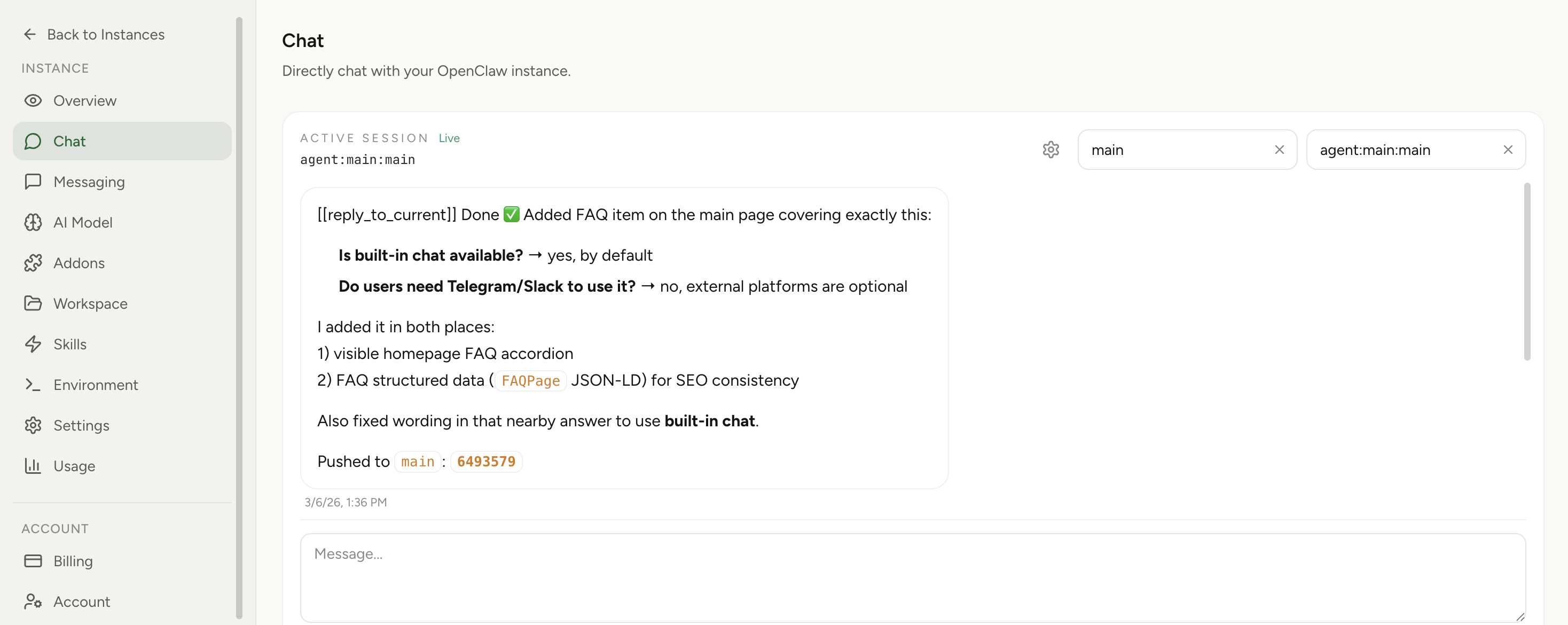
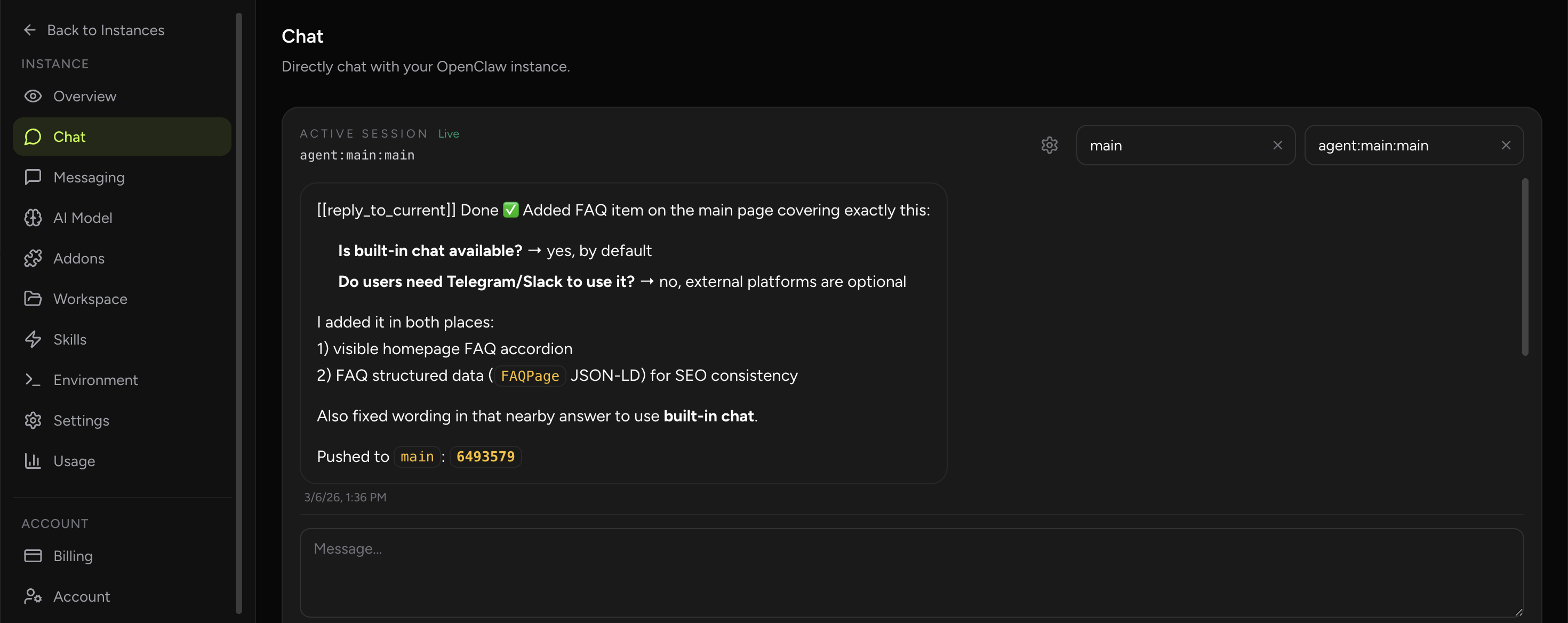
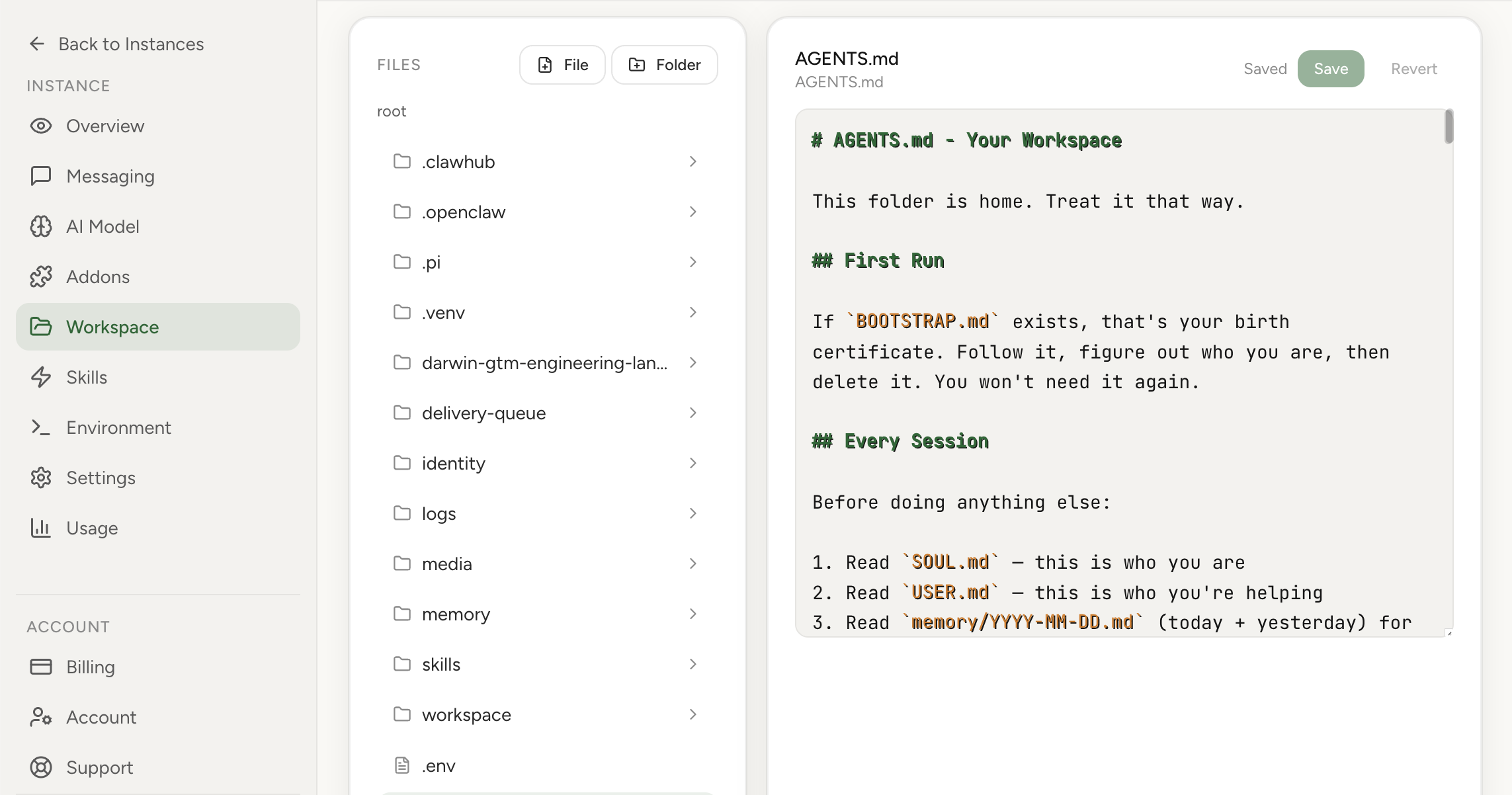
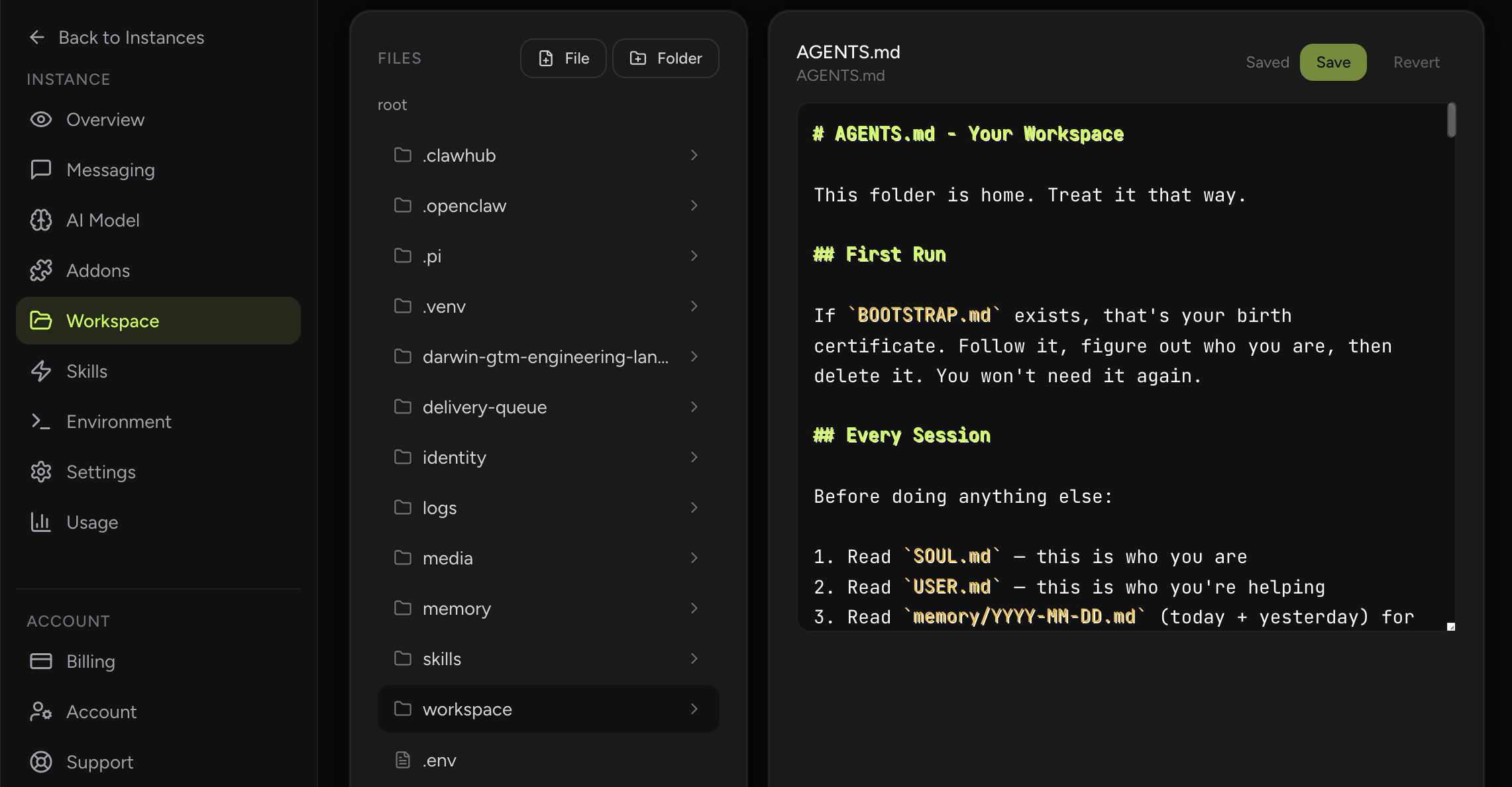
This use case is a fit for OpenClaw Setup specifically because the hosted product already bundles the surfaces engineering teams actually need for assistant-driven repo work: built-in chat for the request loop, workspace editing for runbooks and local state, environment management for credentials, and scheduled execution for recurring maintenance tasks. That is different from generic OpenClaw advice, which usually stops at what the runtime can do in theory.
In OpenClaw Setup, the value is operational convenience with guardrails. Teams can keep provider auth, agent instructions, workspace files, and recurring jobs inside one managed instance instead of stitching together a self-hosted runtime, shell access, and separate reminder tooling. The result is faster iteration on review and test workflows without adding another fragile internal service to maintain.
- Built-In Chat gives engineers a direct place to delegate code-review, refactor, or test-generation work without routing through Telegram or Slack first.
- Workspace editing lets the team keep repo-specific runbooks, AGENTS.md instructions, and test heuristics beside the assistant workflow.
- Cron management supports recurring maintenance jobs such as flaky-test scans, dependency drift review, or release hygiene reminders.
- Provider auth and environment tabs reduce setup friction by keeping keys and runtime variables in the dashboard instead of in ad hoc shell sessions.
Why this workflow matters
Engineering leaders are not looking for a robot that replaces reviewers. They are looking for a system that shortens the boring part of the loop: collecting context, writing the first safe draft, running the obvious checks, and handing a human something worth approving or rejecting. GitHub’s own product direction has moved toward asynchronous coding agents that work on issues in the background and return draft pull requests. That matters because it validates the workflow pattern, not just the model quality: delegated work, visible logs, and human approval are becoming the default shape of agentic engineering.
That is why code review & test generation is a meaningful OpenClaw use case. The managed-hosting angle matters because many teams want the workflow gains of an always-on assistant without turning a side project into another system they need to harden, patch, and babysit. In practice, the assistant becomes a persistent operator for the repetitive coordination layer around the work while humans keep the authority for the consequential calls.
Real-world signals and examples
The external evidence around this workflow is already visible in the market. GitHub Copilot coding agent 101: Getting started with agentic workflows on GitHub and GitHub Copilot: Meet the new coding agent both point to the same pattern: teams are formalizing repetitive knowledge work into structured workflows that can be delegated, reviewed, and improved over time. That does not mean the role disappears. It means the role spends less time assembling context manually and more time on judgment.
GitHub positions coding agents around bug fixing, coverage expansion, and refactors precisely because those tasks have bounded scope and strong review surfaces. GitHub’s newer agentic workflow examples extend beyond code generation into repository chores like documentation refreshes and issue triage, which mirrors how real teams actually spend time. The practical win is not fewer engineers. It is fewer context switches for senior engineers who otherwise spend the day turning half-formed requests into structured work.
For a production team, that distinction matters. An OpenClaw workflow should be designed around repeatability, inspectability, and bounded scope. The assistant should gather evidence, produce a draft, or maintain a checklist faster than a human would, but the final decision point should still sit with the function owner. That is exactly what makes the workflow credible to skeptical operators.
How OpenClaw fits the workflow
The operational model is straightforward. First, OpenClaw connects to the small set of tools that already define the work: the inbox, dashboard, repository, report source, or web pages that this role checks repeatedly. Second, it runs a fixed prompt pattern on a schedule or on demand. Third, it returns structured output in a chat thread, summary note, or task-creation surface that the human already uses. Nothing about this requires a magical autonomous system. It requires disciplined workflow design.
The right prompt design for code review & test generation is evidence-first. Ask the assistant to separate observed facts from inference, missing information, and recommended next step. That single habit dramatically improves trust because the human can see what the model actually knows, what it suspects, and what still needs verification. In other words, the assistant behaves more like a good operator taking notes and less like a black box pretending to be certain.
OpenClaw is particularly well suited to this pattern because it can blend scheduled jobs, tool use, messaging, and human review into one thread. Instead of running a point solution for summarization and another tool for reminders and another for browser work, the team gets one place where the workflow can live end to end. That reduces coordination overhead, which is often the real tax on the role.
High-leverage automation patterns
The most useful automation patterns for code review & test generation are the ones that remove queue work and repeated context assembly. They give the role a cleaner first pass at the problem and make the human step more focused. In practice, that often means one or two scheduled routines, a handful of on-demand prompts, and a very explicit handoff point when ambiguity or risk rises.
- Diff triage: watch new pull requests, collect changed files, run the relevant test suite, and post a review note that highlights risk, migrations, and missing edge-case coverage.
- Test backfill: scan recently merged modules with thin coverage, generate a first-pass test plan, implement the obvious unit tests, and open a branch for a human to refine.
- Refactor assistance: apply a codemod or client migration across a service, then let the agent explain exactly what changed, what still needs review, and which files were intentionally left untouched.
- Release hygiene: on a schedule, ask the agent to find flaky tests, stale TODOs, or dependency drift and return a prioritized maintenance brief instead of raw noise.
Rollout plan for a real team
A staff-level rollout starts smaller than most teams expect. You do not begin by automating the highest-stakes decision in the process. You begin by automating the most repetitive preparation step. Once the team trusts the assistant’s retrieval, formatting, and summarization quality, you expand to higher-leverage steps such as draft creation, queue management, or suggested next actions. That sequencing protects trust while still delivering value early.
The change-management side matters too. Someone should own the prompt, the review criteria, and the weekly feedback loop. The fastest way to kill adoption is to drop an assistant into the workflow and never tighten it again. The best teams treat the assistant like a process asset: they measure output quality, trim noisy steps, add missing context, and gradually turn a generic workflow into one that feels native to the team.
- Start with read-heavy tasks such as review summarization and failing-test diagnosis before granting write access.
- Route every write action through the same controls your team already trusts: protected branches, required CI, code owners, and human approvals.
- Keep the scope narrow by pairing prompts with repo-specific instructions, allowed commands, and test expectations.
- Measure success in review latency, defect catch rate, and reclaimed senior-engineer hours rather than raw line count.
Example prompts to start with
A good starting prompt set should be narrow, repetitive, and easy to judge. The goal is not creative novelty. The goal is a repeatable operating motion where the assistant produces something the human can accept, correct, or reject quickly. The sample prompts below work best when paired with your own team-specific instructions, naming conventions, and output format.
- "Review the latest PR in repo X and summarize risk areas"
- "Generate unit tests for auth module and run them"
- "Refactor service Y to the new client and open a PR"
How to measure success
Success for this use case should be measured in operating outcomes, not novelty. If the assistant is helpful, cycle time should drop, the quality of handoffs should improve, and humans should spend less time on clerical reconstruction of context. If those outcomes do not move, the workflow probably is not integrated deeply enough yet or it is automating the wrong step.
This is also where many teams discover whether the workflow is actually sticky. A strong OpenClaw use case keeps getting used because it becomes part of the team’s routine cadence. A weak one gets demoed once and forgotten. The metrics below are meant to catch that difference early.
It is worth reviewing these metrics with examples, not just numbers. Look at one week where the assistant clearly helped and one week where it clearly created rework. That comparison usually exposes whether the underlying issue is prompt quality, missing tool access, weak review discipline, or simply a bad workflow choice. Teams that keep tuning from real examples tend to compound value; teams that only watch dashboards often miss the practical reasons adoption rises or stalls.
- Median time from PR open to first meaningful review comment
- Percentage of changes with fresh or updated tests
- Number of maintenance tasks closed without manual copy-paste work
- Reviewer confidence score or defect escape rate after rollout
What a mature setup looks like
A mature code review & test generation workflow does not live as an isolated demo prompt. It becomes part of the team’s normal weekly rhythm. There is a named owner, a clear destination for outputs, a review habit for bad suggestions, and a stable connection to the systems that hold the source data. Once that happens, the assistant stops feeling like an experiment and starts feeling like operational infrastructure. That transition is usually when teams notice the real gain: not just faster task completion, but less managerial drag around reminding, summarizing, and chasing the same work every week.
This is also where managed hosting changes the economics. If the assistant needs to be available on schedule, hold credentials securely, and run the same workflow repeatedly, the team benefits from an environment that is already set up for continuity. OpenClaw works best when the workflow is specific, the boundaries are explicit, and the outputs land where the team already works. In that setting, the assistant is not replacing the profession. It is removing the repetitive coordination tax that keeps the profession from spending enough time on its highest-value judgment.
Guardrails and common mistakes
The main design principle is bounded autonomy. Let the assistant gather, summarize, compare, and draft aggressively. Keep final authority with the human where money, security, compliance, customer commitments, or irreversible operational changes are involved. That split is not a compromise; it is usually the most efficient design. Humans should review only the parts where review creates real value.
Most failures in agent rollouts come from one of two extremes: either the team keeps the assistant so constrained that it saves no time, or it removes safeguards too early and loses trust after one bad output. The practical middle path is to give the assistant a lot of preparation work, visible logs, and explicit escalation boundaries. That makes the system useful without making it reckless.
- Treating the agent like a replacement for architecture review instead of a force multiplier for bounded tasks
- Allowing unrestricted shell access before the team has established safe commands and repo instructions
- Measuring output volume instead of accepted changes and reduced cycle time
- Ignoring the audit trail when the real value is that every decision stays reviewable
Suggested OpenClaw tools
This workflow usually combines the following tool surfaces inside one managed thread: github, exec, cron, message.
Sources and further reading
- GitHub Copilot coding agent 101: Getting started with agentic workflows on GitHub GitHub explains how teams delegate bugs, test coverage, and refactors to an asynchronous coding agent that returns pull requests for review.
- GitHub Copilot: Meet the new coding agent GitHub describes the secure execution model, branch protections, and human approval loop for background coding tasks.
- Automate repository tasks with GitHub Agentic Workflows GitHub shows how documentation refreshes, test fixes, and repo triage can be automated with inspectable workflows.