Auth-heavy workflows
Sign in once from the dashboard viewer, complete MFA or CAPTCHA yourself, then let the agent continue inside the same browser profile.
OpenClaw with browser
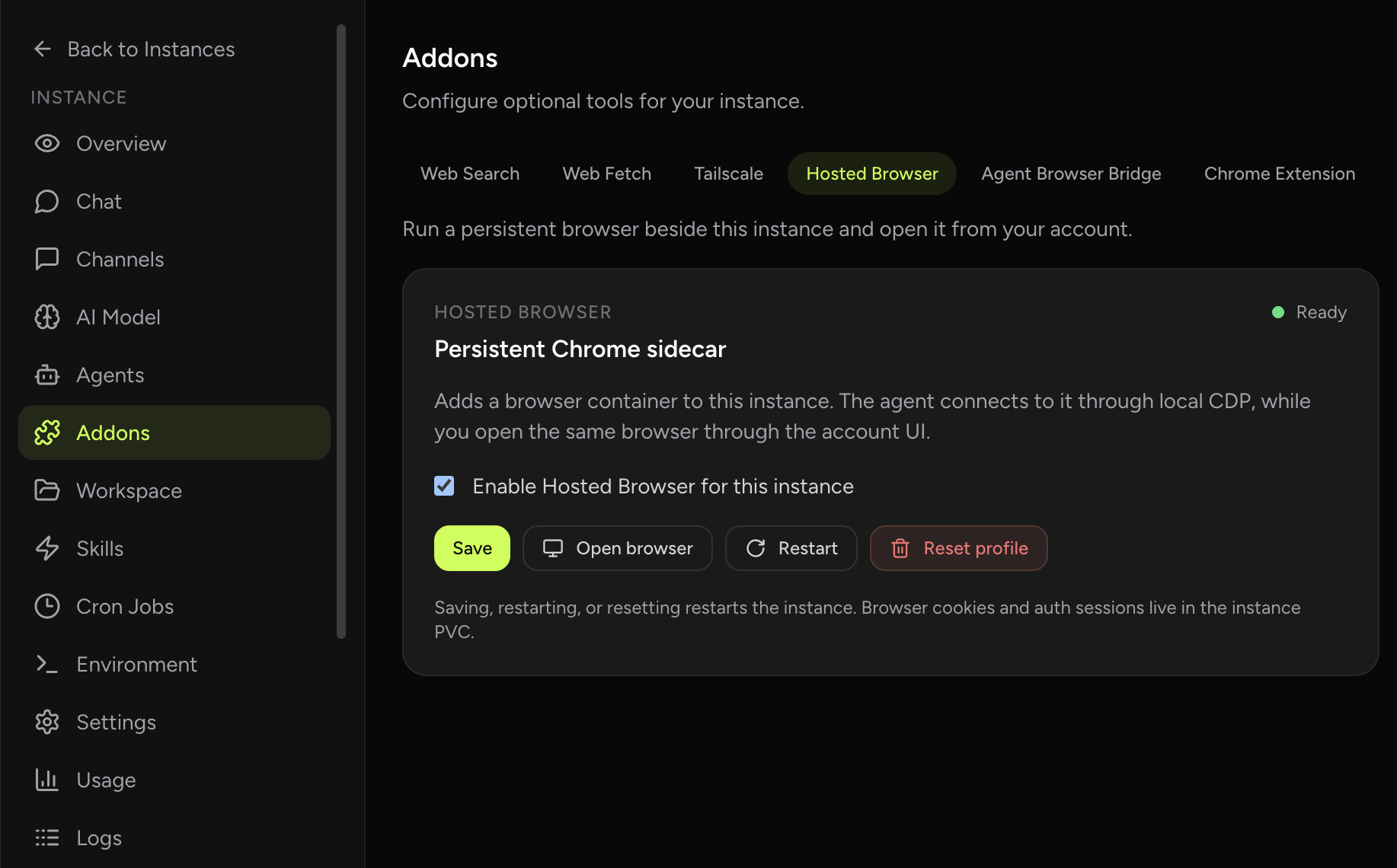
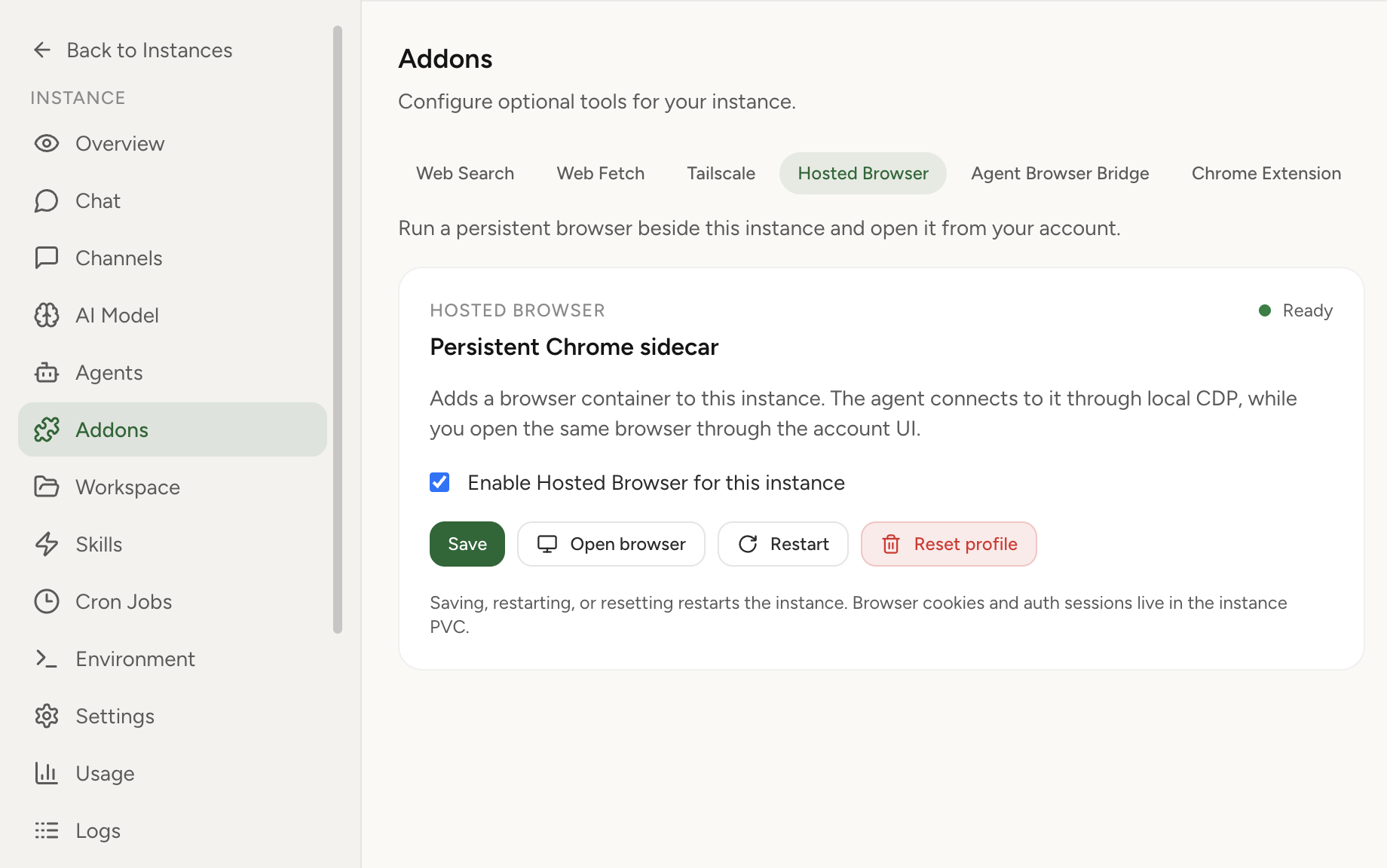
Hosted Browser adds a persistent Chromium sidecar to your managed OpenClaw instance. The agent can drive it through local CDP, and you can open the same browser from the dashboard when a site needs login, MFA, CAPTCHA, or a human decision.
Why it matters
Sign in once from the dashboard viewer, complete MFA or CAPTCHA yourself, then let the agent continue inside the same browser profile.
The browser belongs to the instance, so your logged-in session and downloads are not tied to a disposable headless launch.
When the agent reaches a step that needs judgment, the user can open the browser directly and continue without switching machines.
How it works
Turn it on from Addons. OpenClaw Setup deploys the browser sidecar with the instance runtime.
Open the browser from your account and sign into the services your workflow needs.
OpenClaw uses its built-in browser profile through local CDP, reusing the same browser state.
Open the dashboard browser again for MFA, CAPTCHA, downloads, uploads, or manual review.
Choose the right browser path
| Need | Use Hosted Browser | Use Chrome Extension relay | Use web search/fetch |
|---|---|---|---|
| Agent needs a persistent cloud-side browser | Best fit | Not the goal | No interactive session |
| User must help with login or MFA | Best fit | Works if the local tab is attached | Not enough |
| Agent must use a tab already open on your laptop | Possible, but indirect | Best fit | Not enough |
| Fast read-only retrieval | Overkill | Overkill | Best fit |
Security model
Hosted Browser is designed around a narrow boundary: OpenClaw gets CDP locally inside the pod, and the user gets a dashboard-authenticated visual session. The public surface is the OpenClaw Setup auth proxy, not a raw VNC or CDP port.
Start with managed OpenClaw hosting, enable Hosted Browser from Addons, and give your agent a persistent browser session you can still see and control.