Hosted Browser is now live in OpenClaw Setup
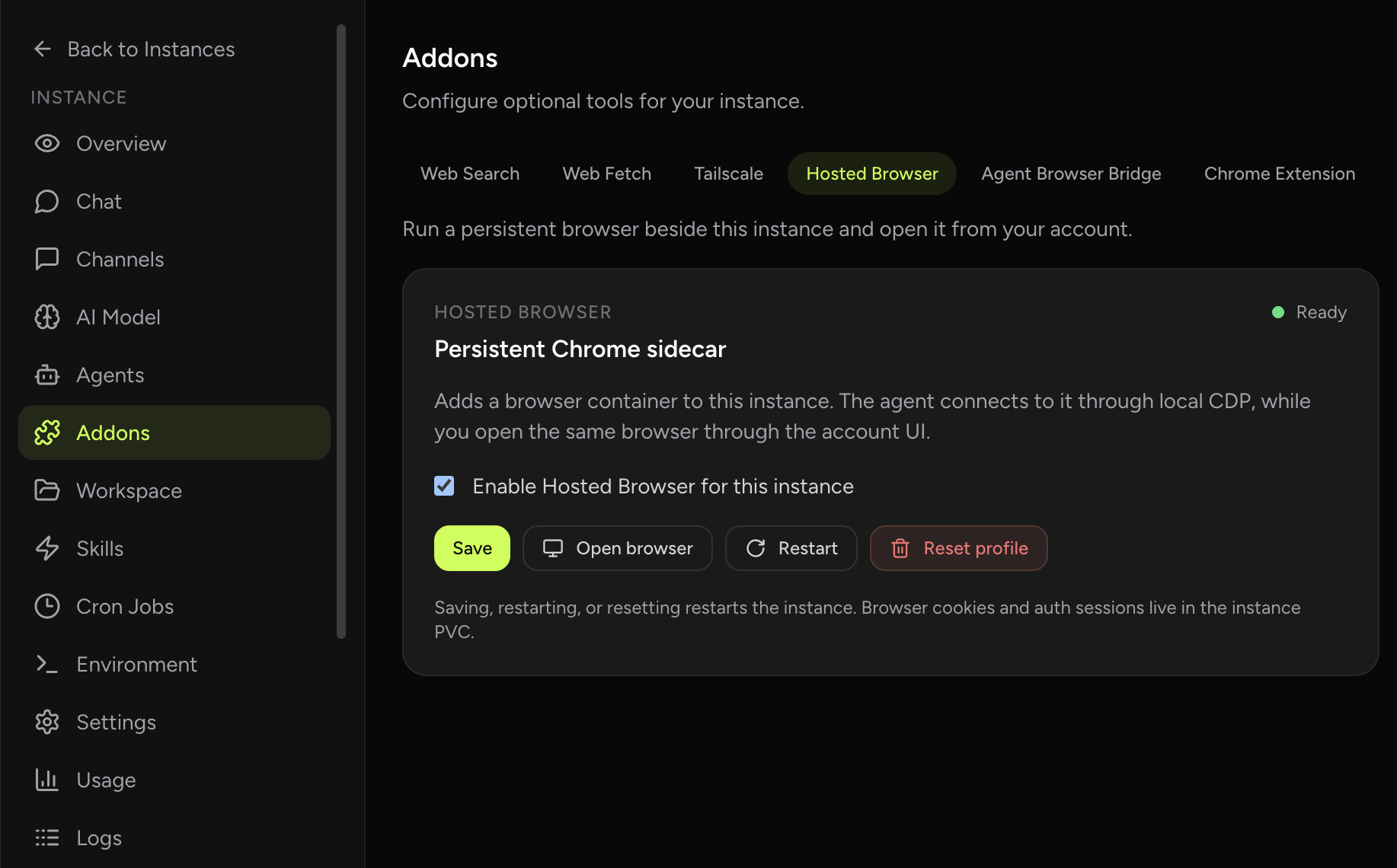
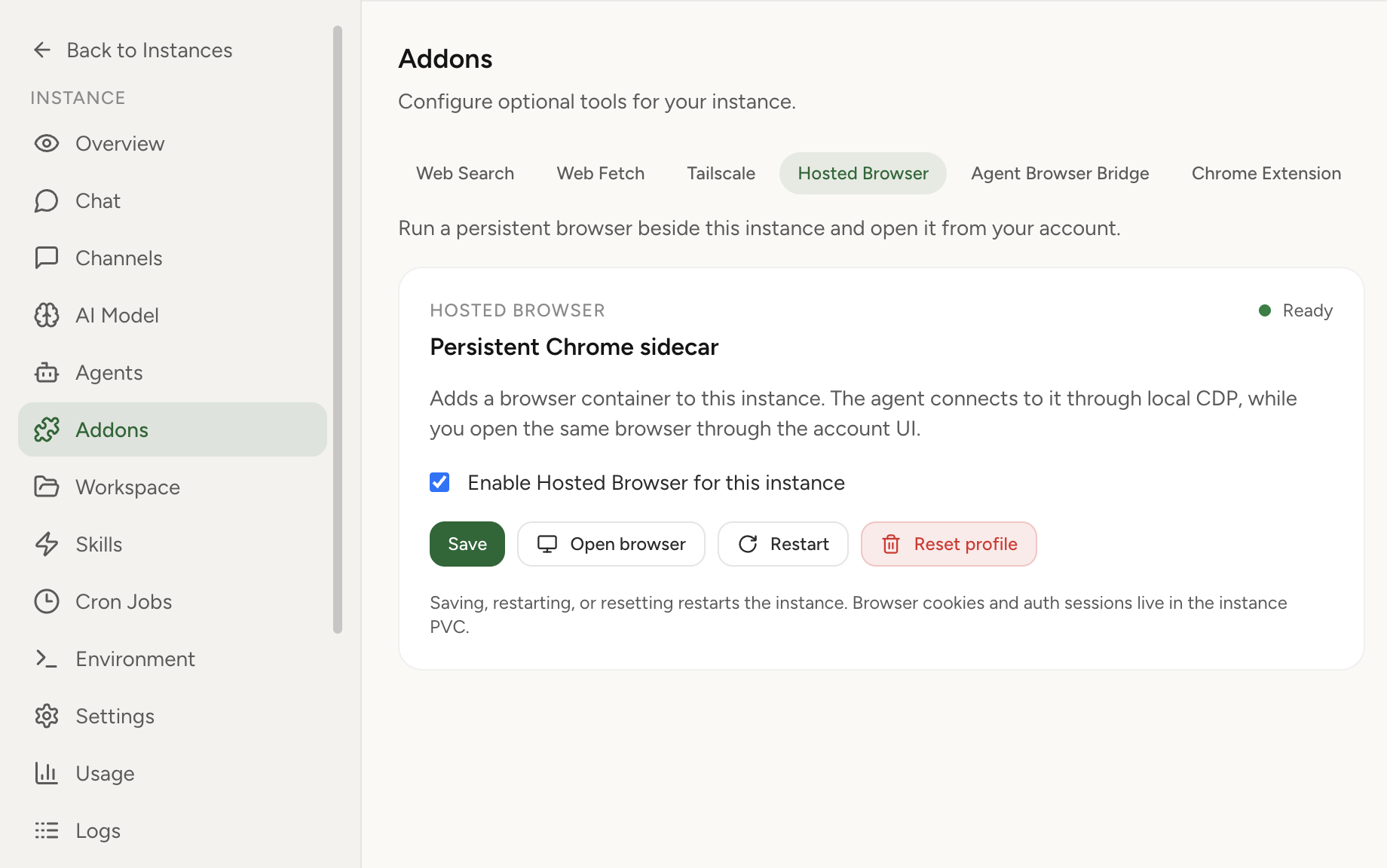
OpenClaw Setup now lets you enable a persistent hosted browser for a managed OpenClaw instance. The browser runs beside the instance, stores profile state on the instance volume, gives the agent local CDP access, and lets you open the same browser from the dashboard when human action is needed.
What shipped
- Hosted Browser addon: enable a browser sidecar from the instance Addons tab.
- Persistent Chromium profile: cookies, logins, and local browser state live on the instance volume until reset.
- Dashboard browser launch: open the same browser from your OpenClaw Setup account with authenticated access.
- Agent CDP path: OpenClaw attaches to the browser through pod-local CDP instead of a public browser endpoint.
- KasmVNC viewer: a modern browser surface with clipboard-friendly, reconnect-friendly remote access.
- Profile reset control: clear the browser state from the dashboard when you want a fresh session.
Why this matters
Browser workflows usually fail at the messy edges: login, MFA, CAPTCHA, session expiry, downloads, uploads, and moments where a person needs to choose what to do next. A throwaway headless browser is not enough for that.
Hosted Browser makes the browser part of the instance. Your agent can use it for browser tasks, but you can still open the exact same browser from the dashboard, sign in, solve the human-only step, and hand control back without moving the workflow to another environment.
Use a browser that persists with the managed OpenClaw instance, not a browser that disappears after one task.
How to enable it
- Open your instance dashboard.
- Go to Addons → Hosted Browser.
- Click Enable hosted browser.
- Restart the instance if the dashboard says a restart is required.
- Click Open hosted browser to launch the browser viewer.
When to use it
- You want your OpenClaw instance to keep a logged-in browser profile.
- Your agent needs a browser even when your laptop is closed.
- You need to complete auth, MFA, CAPTCHA, uploads, downloads, or manual review mid-workflow.
- You want browser access without exposing raw VNC or CDP ports publicly.
Hosted Browser vs Chrome Extension relay
Use Hosted Browser when the instance should own the browser session. Use Chrome Extension relay when OpenClaw needs to work with a tab already open in your local Chrome browser.