Does the browser keep cookies and login state?
Yes. Hosted Browser stores its Chromium profile on the instance volume, so cookies and login state can persist across browser restarts until you reset the profile.
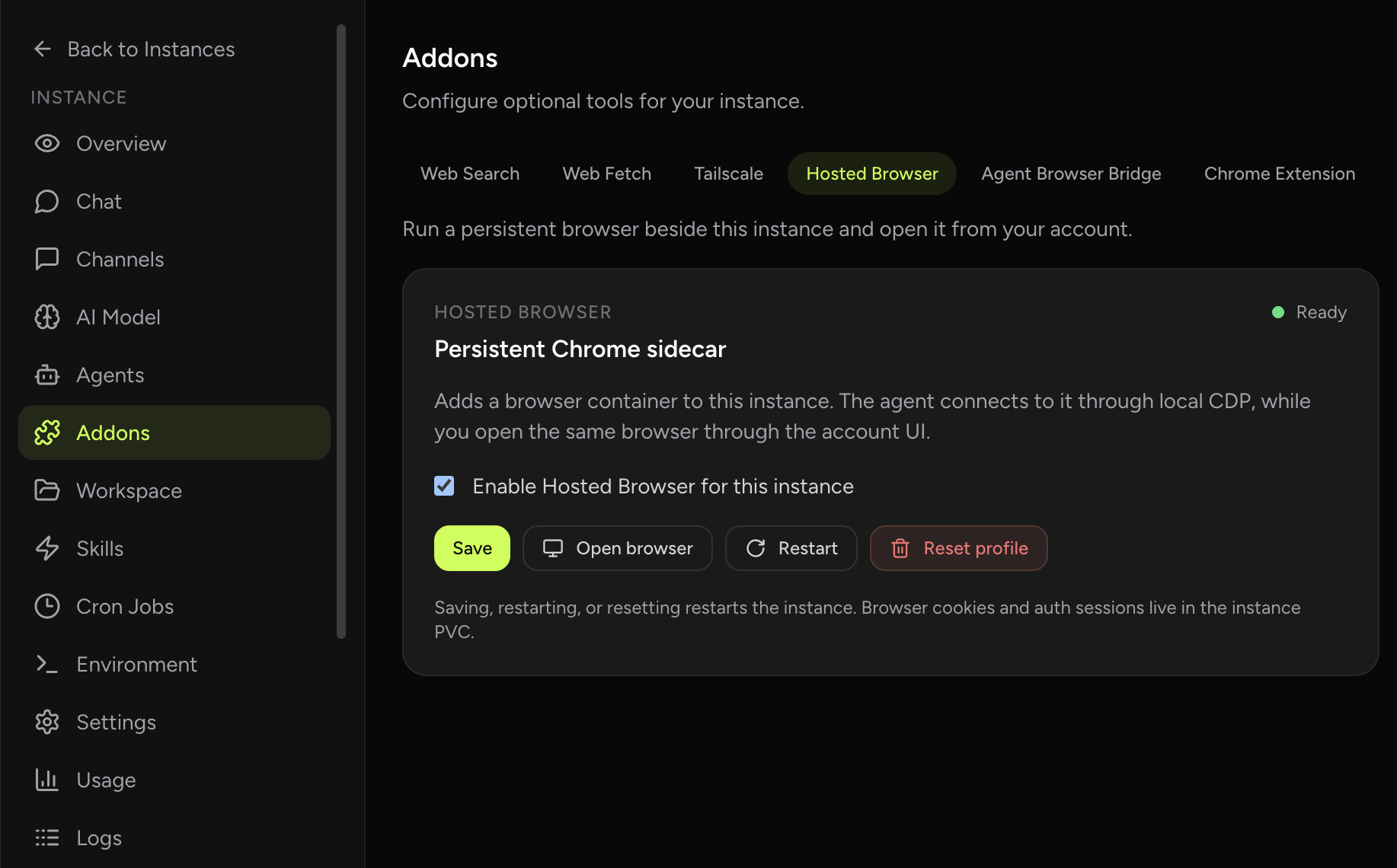
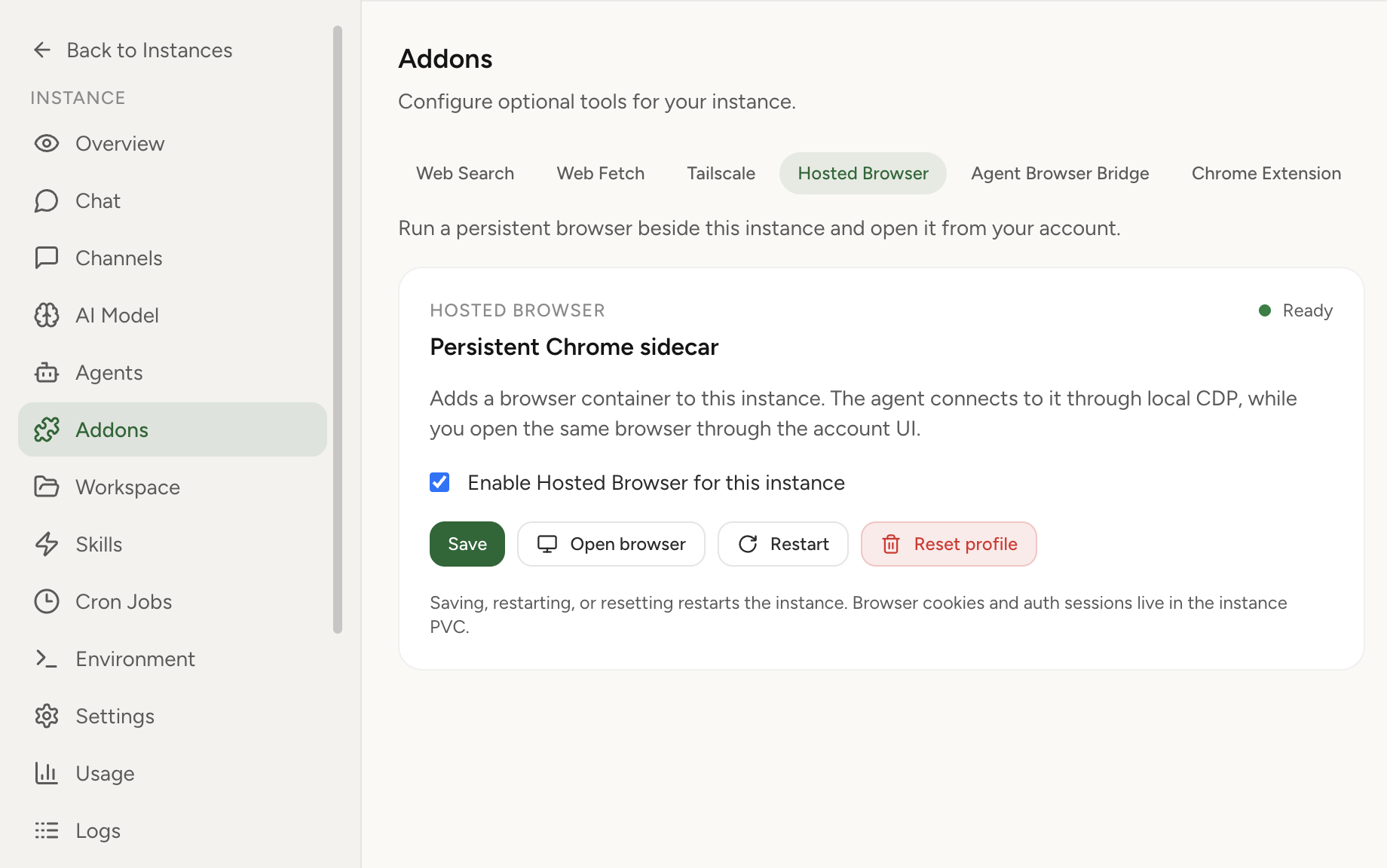
Enable a hosted browser sidecar so your OpenClaw agent can use a real Chromium session, while you can open the same browser from the dashboard for auth, MFA, CAPTCHA, and manual takeover.
Hosted Browser turns browser access into part of the managed OpenClaw runtime. The browser runs next to the instance, keeps its profile on the instance volume, exposes CDP only on pod loopback for the agent, and gives the account owner an authenticated KasmVNC viewer from the dashboard.
OpenClaw with BrowserLaunch announcementArchitecture deep-diveChrome Extension relay
Real product screenshot
Headless browser infrastructure is useful, but many real workflows break when auth, MFA, CAPTCHA, file downloads, or human judgment enters the loop. Hosted Browser keeps the browser visible and persistent so the user can step in without moving the workflow to another machine.
The important product shift is that the browser belongs to the OpenClaw instance. It is not a disposable demo tab and it is not only your local Chrome. It is a managed browser session that survives normal restarts and can be shared between the agent and the account owner.
Use Hosted Browser when you want the instance to own the browser session and keep it available even when your laptop is closed. Use Chrome Extension relay when the agent must work with a tab that is already open in your local desktop browser.
Both options exist because browser workflows split into two practical modes: a cloud browser that follows the hosted agent, and a local relay for the exact browser tab on your machine.
The OpenClaw agent reaches Chromium through a pod-local CDP URL. The visual browser is opened through the OpenClaw Setup backend auth proxy, and access requires the owning dashboard account.
That means the browser can be useful for real auth-heavy workflows without turning VNC or CDP into a broadly exposed public endpoint.
Yes. Hosted Browser stores its Chromium profile on the instance volume, so cookies and login state can persist across browser restarts until you reset the profile.
Yes. The user opens the browser from the dashboard, while the agent attaches to the same browser sidecar through local CDP inside the instance pod.
No. Hosted Browser is a browser that runs with the hosted instance. Chrome Extension relay connects the hosted agent to a browser tab on your local machine.