What is the Addons page for?
It is the control center for optional capabilities like web search, Firecrawl web fetch, and browser tooling inside OpenClaw Setup.
Use the Addons hub to turn on optional capabilities like web search, Firecrawl web fetch, and browser tooling from one place.
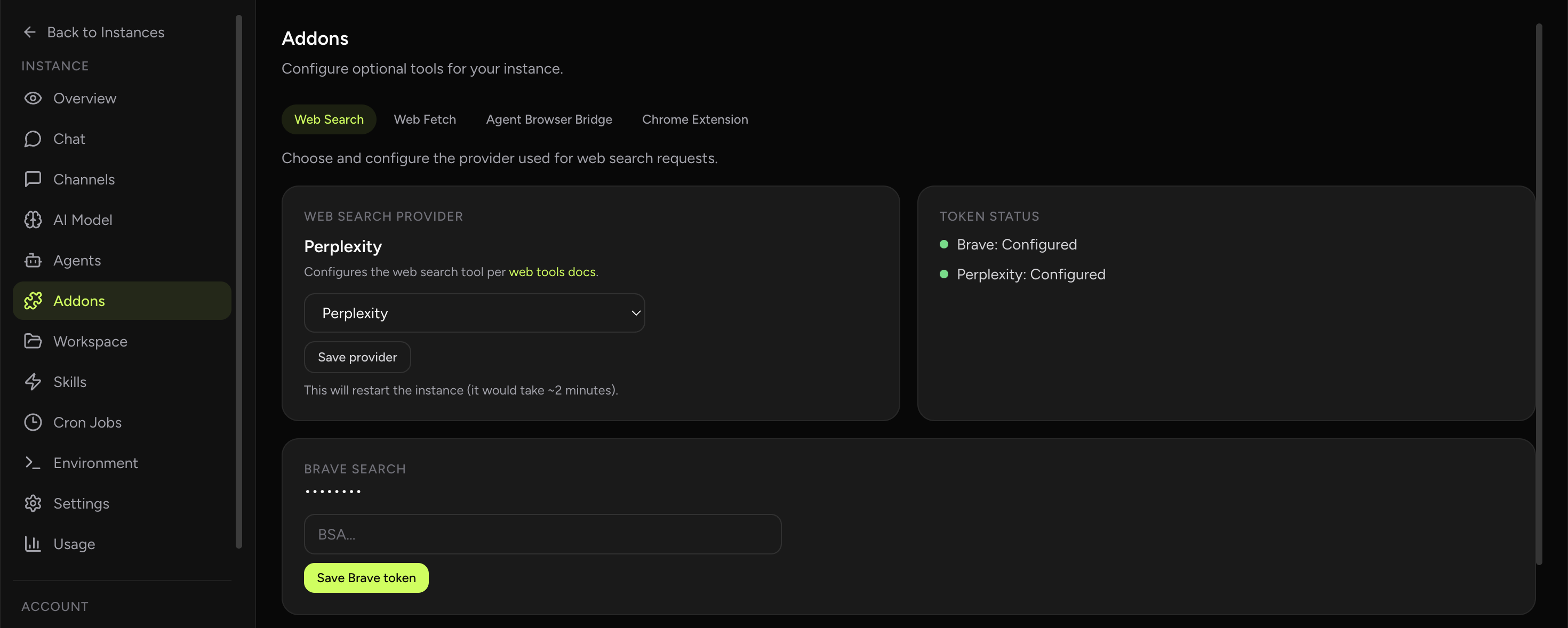
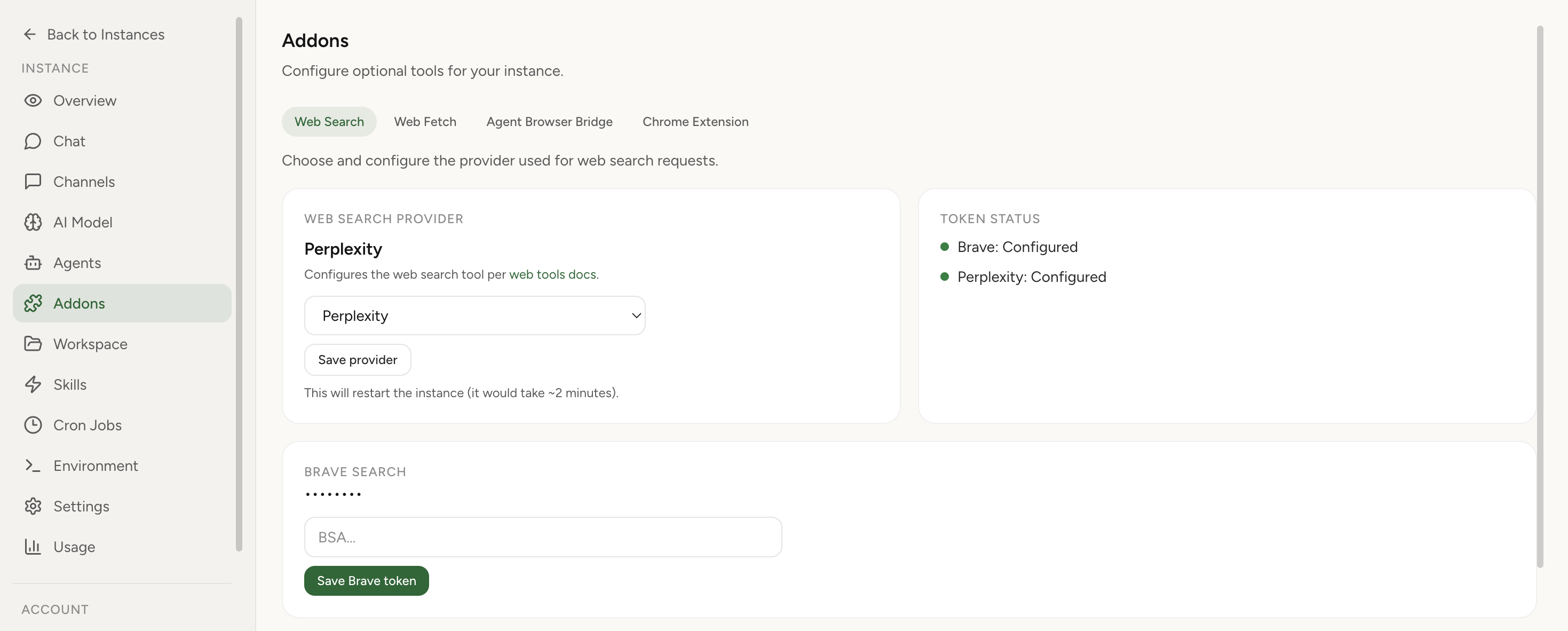
OpenClaw Setup includes an Addons section for optional tooling. Instead of editing runtime config manually, you can turn on the exact capability you need, store provider tokens safely, and apply changes through the managed restart flow.
Real product screenshot
The Addons area is where you turn on optional capabilities and connect the providers behind them. Instead of editing runtime config by hand, you can see what is available and configure each capability from one dashboard section.
That makes it easier to start with one capability, confirm it works, and then expand your instance with additional tools as your workflow grows.
Many addon setups start with web search or web fetch, then expand into browser-control tasks that need a live Chrome session. Keeping those paths together makes the Addons area easier to understand for operators who are building a practical agent stack.
When a capability needs more detail, this page links out to the dedicated guide or feature page so you can complete the full setup without guesswork.
It is the control center for optional capabilities like web search, Firecrawl web fetch, and browser tooling inside OpenClaw Setup.
Use it to configure optional runtime capabilities without editing config files manually, then jump into the capability-specific guide for detailed setup.